
Brands Carousel#
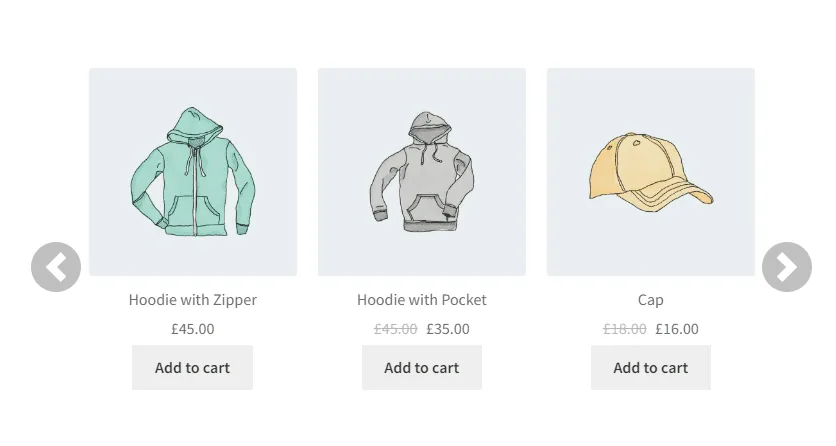
[bbfw_carousel]
Default values: [bbfw_carousel brand=”all” category=”all” products=”10″ products_per_section=”3″]
Attributes
brand: It filters by specific brand slug
Example: [bbfw_carousel brand=”woocommerce”]
Default value “all”: brand=”all”
category: It filters by specific product category slug
Example: [bbfw_carousel category=”hoodie”]
Default value “all”: category=”all”
products: Number of products to show
Example: [bbfw_carousel products=”10″]
Default value “10”: products=”10″
products_per_section: Number os products for section / line
Example: [bbfw_carousel products_per_section=”3″]
Default value “3”: products_per_section=”3″
Favorite Brands#
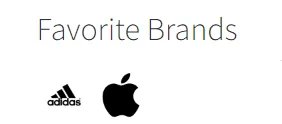
[bbfw_favorite_brand]
Default values: [bbfw_favorite_brand title=”Favorite Brands” title_size=” title_size_unit=”px” message_no_brand=”There are no brands added to favorites”]
Attributes
title: The title to the favorite brands
Example: [bbfw_favorite_brand title=”Popular Brands”]
Default value “Favorite Brands”: title=”Favorite Brands”
title_size: The title font size, without the unit
Example: [bbfw_favorite_brand title_size=”14″]
Default value “: title_size=”
title_size_unit: The unit to the title font size (ex px, em, pt)
Example: [bbfw_favorite_brand title_size_unit=”px”]
Default value “px”: title_size_unit=”px”
message_no_brand: The text when no brand is favorited
Example: [bbfw_favorite_brand message_no_brand=”No brands added”]
Default value “There are no brand(s) added to favorites”: message_no_brand=”There are no brand(s) added to favorites”
Alphabetical Brand Glossary#
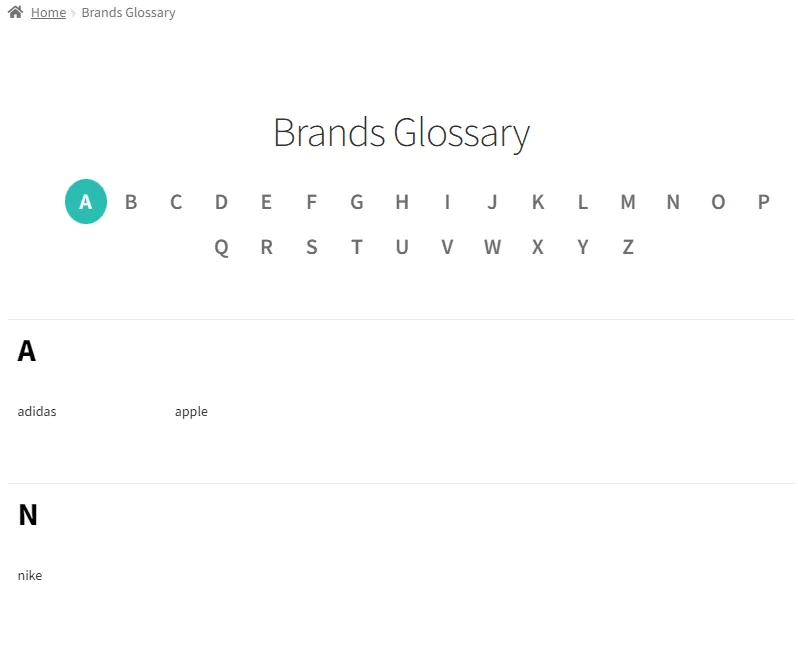
[bbfw_brand_glossary]
Default values: [bbfw_brand_glossary wrapper_css_class=” hide_empty=”false”]
Attributes
wrapper_css_class: Add custom css class to the main wrapper element
Example: [bbfw_brand_glossary wrapper_css_class=”wrapper-theme-css”]
Default value “: wrapper_css_class=”
hide_empty: Hide brands without products
Example: [bbfw_brand_glossary hide_empty=”true”]
Default value “false”: hide_empty=”false”
Updated on April 15, 2026 · Need help? Open a support ticket