
Configuring Usage Restrictions
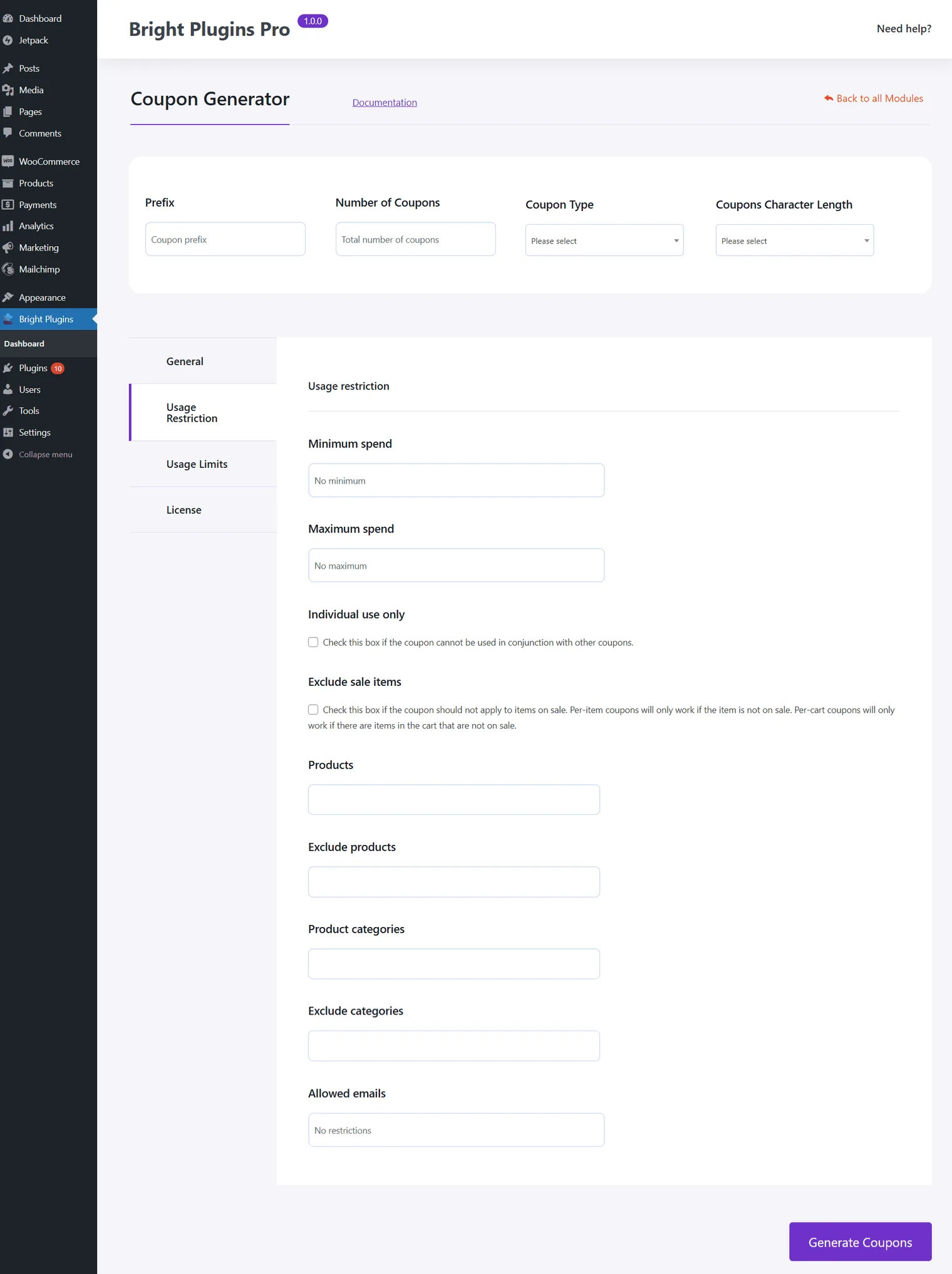
Minimum Spend:
- Set the minimum purchase amount required for the coupon to be valid. This ensures the coupon is used for larger orders.
Maximum Spend:
- Define the maximum order amount for which the coupon applies, allowing control over discount limits.
Individual Use Only:
- Restrict the coupon to be used alone, preventing it from being combined with other discounts to maximize control over promotions.
Exclude Sale Items:
- Prevent the coupon from applying to discounted items, ensuring it only benefits full-priced products.
Products and Categories:
- Exclude specific products or categories from the coupon to tailor promotions to selected items, enhancing marketing strategies.
Allowed Emails:
- Limit coupon usage to certain email addresses, ideal for exclusive offers to specific customer groups.
Conclusion
These settings provide flexibility in how coupons are applied, allowing for precise targeting and control over promotional campaigns. By setting appropriate restrictions, you can ensure that discounts support your business goals effectively.
Updated on April 17, 2026 · Need help? Open a support ticket