
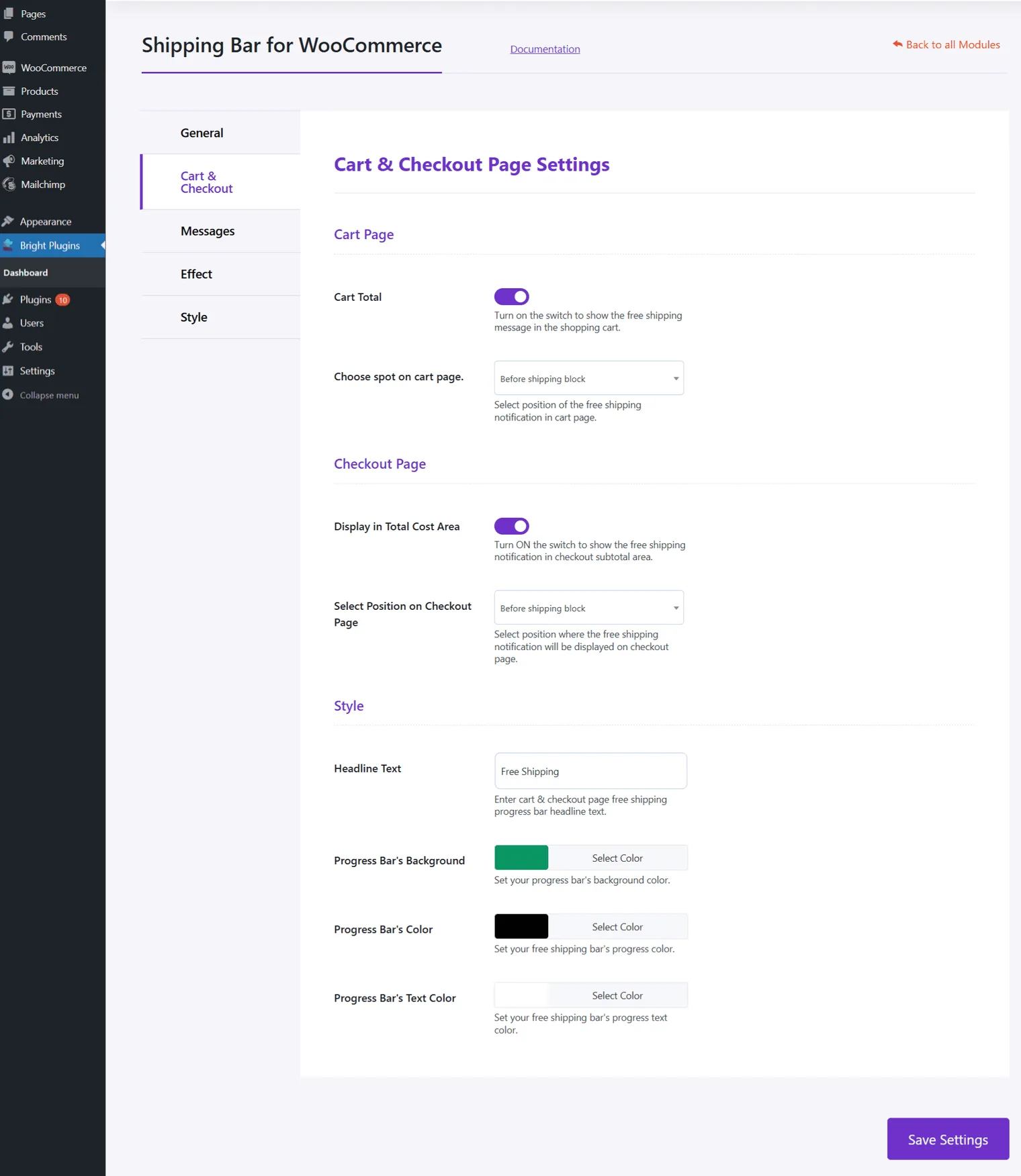
Cart Page
- Cart Total: Display the free shipping message in the cart.
- Choose spot on cart page: Select the position on the cart page.
Checkout Page
- Display in Total Cost Area: Show notification in the subtotal area.
- Select Position on Checkout Page: Choose the position of the notification.
Style
- Headline Text: Enter text for the free shipping progress bar.
- Progress Bar’s Background: Set the background color.
- Progress Bar’s Color: Set the progress bar color.
- Progress Bar’s Text Color: Set the text color.
Updated on April 20, 2026 · Need help? Open a support ticket