
To fully utilize the features of the One Click Checkout plugin, follow these simple steps to activate your license:
Step-by-Step Guide
1. Navigate to License Activation:
- Go to Bright Plugins > One Click Checkout in your WordPress dashboard.
2. Enter Your License Key:
- In the License Activation section, enter your license key in the provided field.
3. Activate License:
- Click on the Activate License button to enable the plugin features.
4. Save Changes:
- Finally, ensure you save the changes to apply the activation.
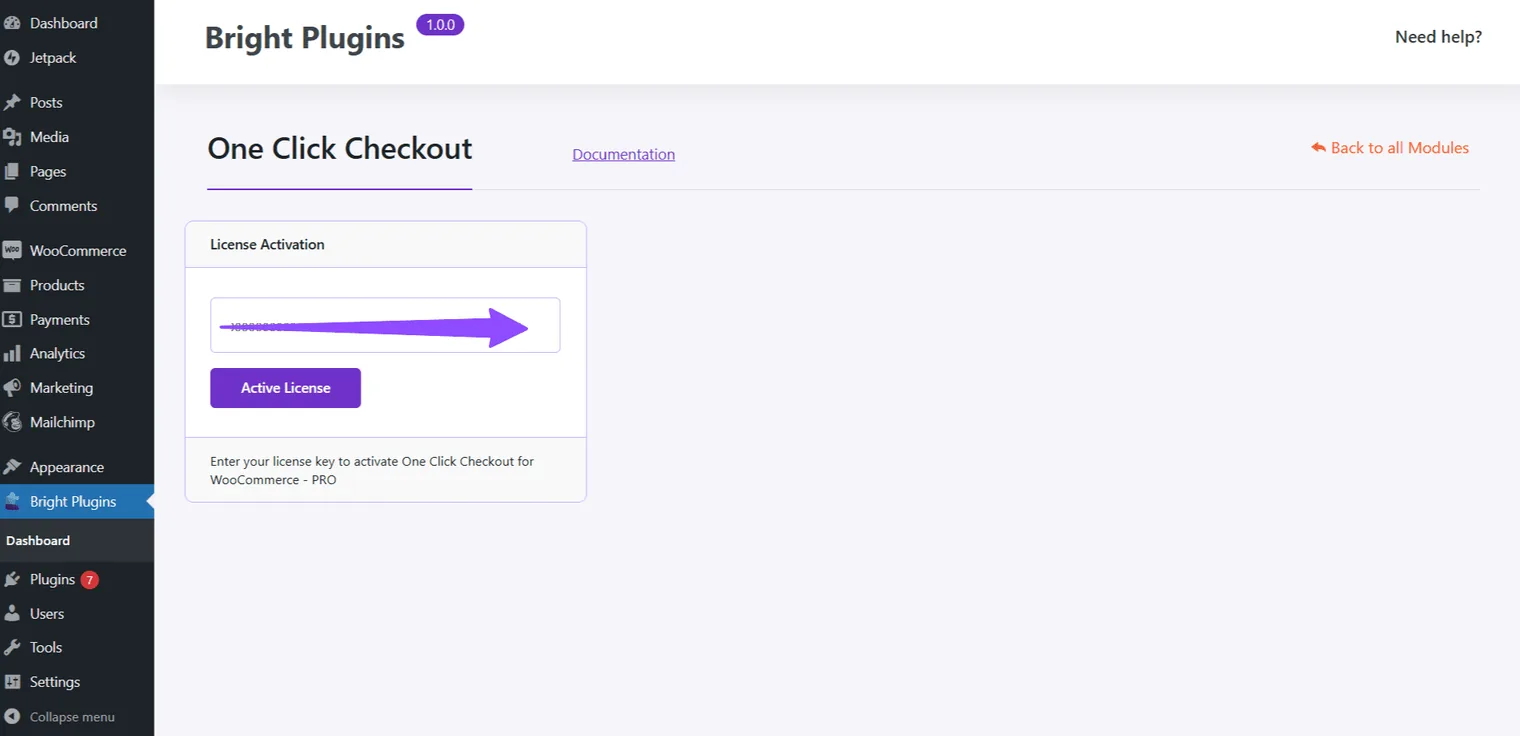
Once activated, you will have access to all the premium features of the One Click Checkout plugin, enhancing your WooCommerce store’s functionality.
Updated on April 17, 2026 · Need help? Open a support ticket