
Customer is able to change the delivery date from My Account / My Orders section. You can enable this option on Global Delivery Settings
Allow Customer edit the delivery date#
The limit time user can edit is defined in the option “Delivery Date change Access Hrs.” under the section Global delivery limits
Admin gets a notification by email with the requested change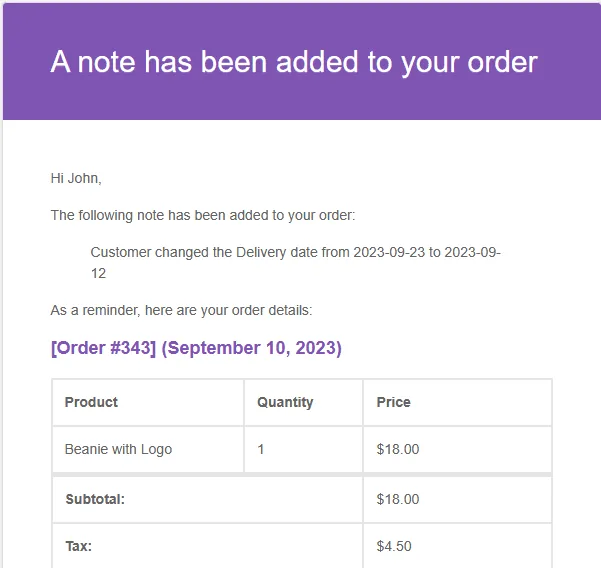
Setup Business Weekdays and Business hours in addition to Delivery Weekdays>
How to show the estimated delivery date instead of choosing a date at checkout>
Updated on April 20, 2026 · Need help? Open a support ticket