
Basket Style Customizations
Tailor the appearance of the basket icon to fit your store’s theme:
- Enable Basket: Choose when the basket icon is displayed.
- Shape of Basket: Select round or square icons.
- Basket Icon Size: Set the size of the basket icon.
- Show Basket Count: Display the item count in the basket.
- Basket Position: Determine where the basket icon appears on the screen.
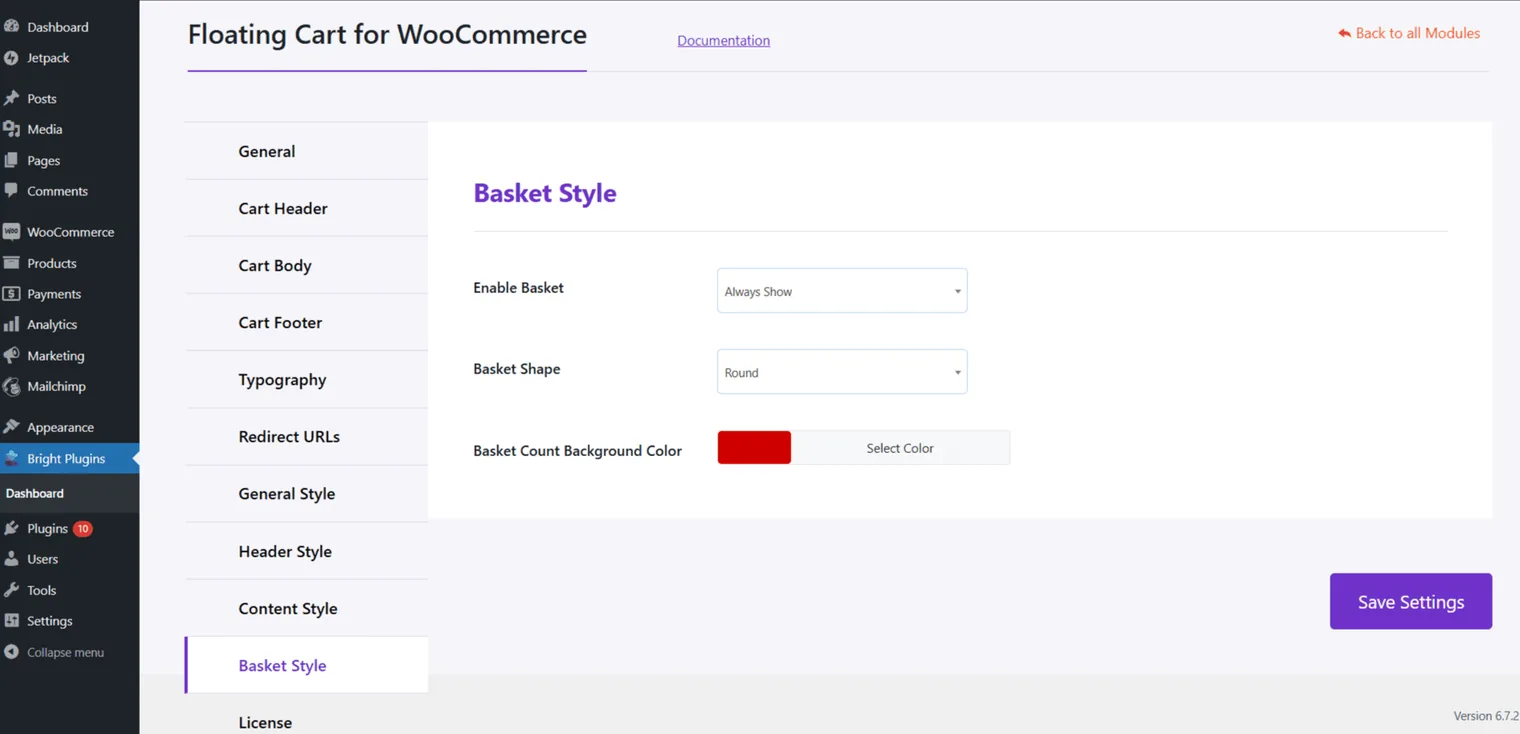
These customizations allow you to align the basket styles with your store’s design, enhancing the user experience.
Learn how to activate your license
Updated on April 20, 2026 · Need help? Open a support ticket