
You can easily change the button text by navigating the Bright Plugins> Pre Order Settings > Text & Labels tab.
You can easily change the button text by navigating the Bright Plugins> Pre Order Settings > Text & Labels tab.
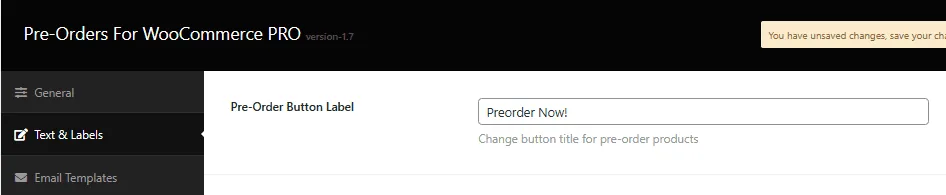
After changing the button text, make sure you click the save button.
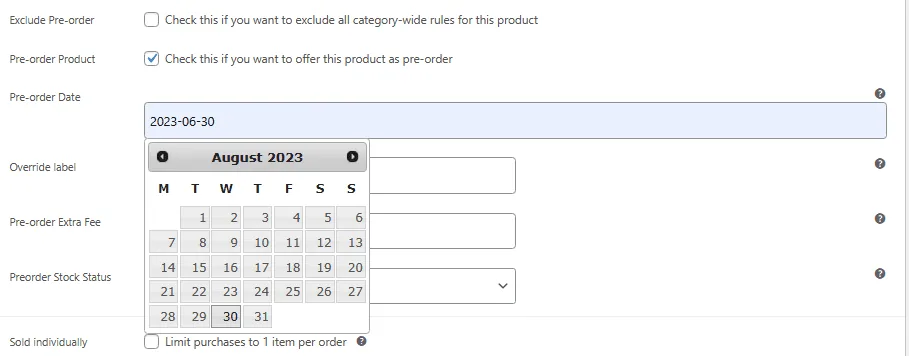
To display the preorder button text in the front end, ensure you have enabled preorder and set the preorder date for the product or category level.
What is dynamic variables for label & notice?>
Updated on June 23, 2026 · Need help? Open a support ticket