
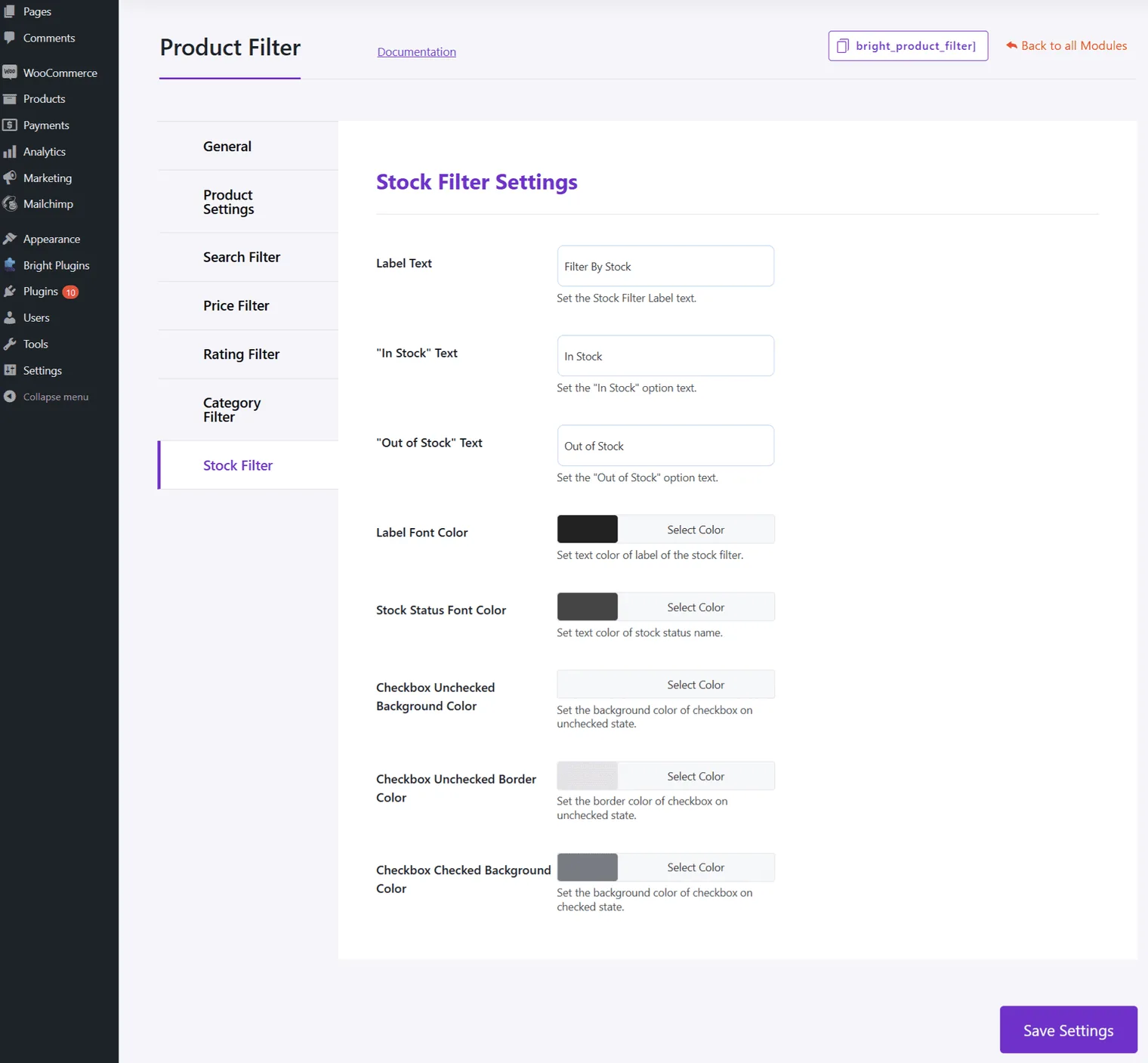
Stock Filter Settings
Text Options
- Label Text: Set the label text for the stock filter.
- “In Stock” Text: Set the text for the “In Stock” option.
- “Out of Stock” Text: Set the text for the “Out of Stock” option.
- Style Options
- Label Font Color: Set the text color of the label.
- Stock Status Font Color: Set the text color of the stock status name.
- Checkbox Unchecked Background Color: Set the background color for unchecked checkboxes.
- Checkbox Unchecked Border Color: Set the border color for unchecked checkboxes.
- Checkbox Checked Background Color: Set the background color for checked checkboxes.
Updated on April 20, 2026 · Need help? Open a support ticket