
Cart Header Settings Configuration
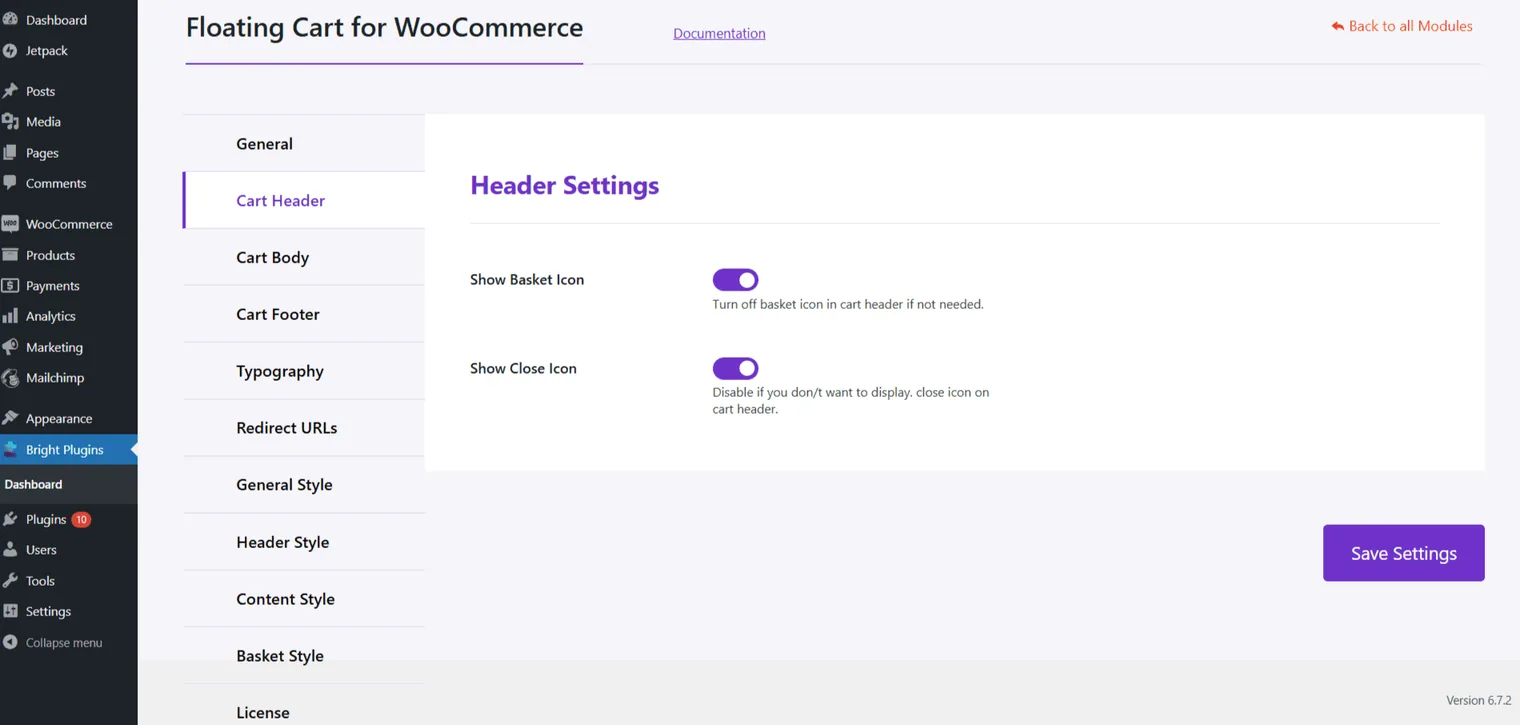
Enhance the header of your Floating Cart with these options:
- Show Basket Icon: Enable this to display the basket icon in the cart header for easy access.
- Show Close Icon: Allow customers to close the cart, providing a clean navigation experience.
Cart Body Settings Configuration
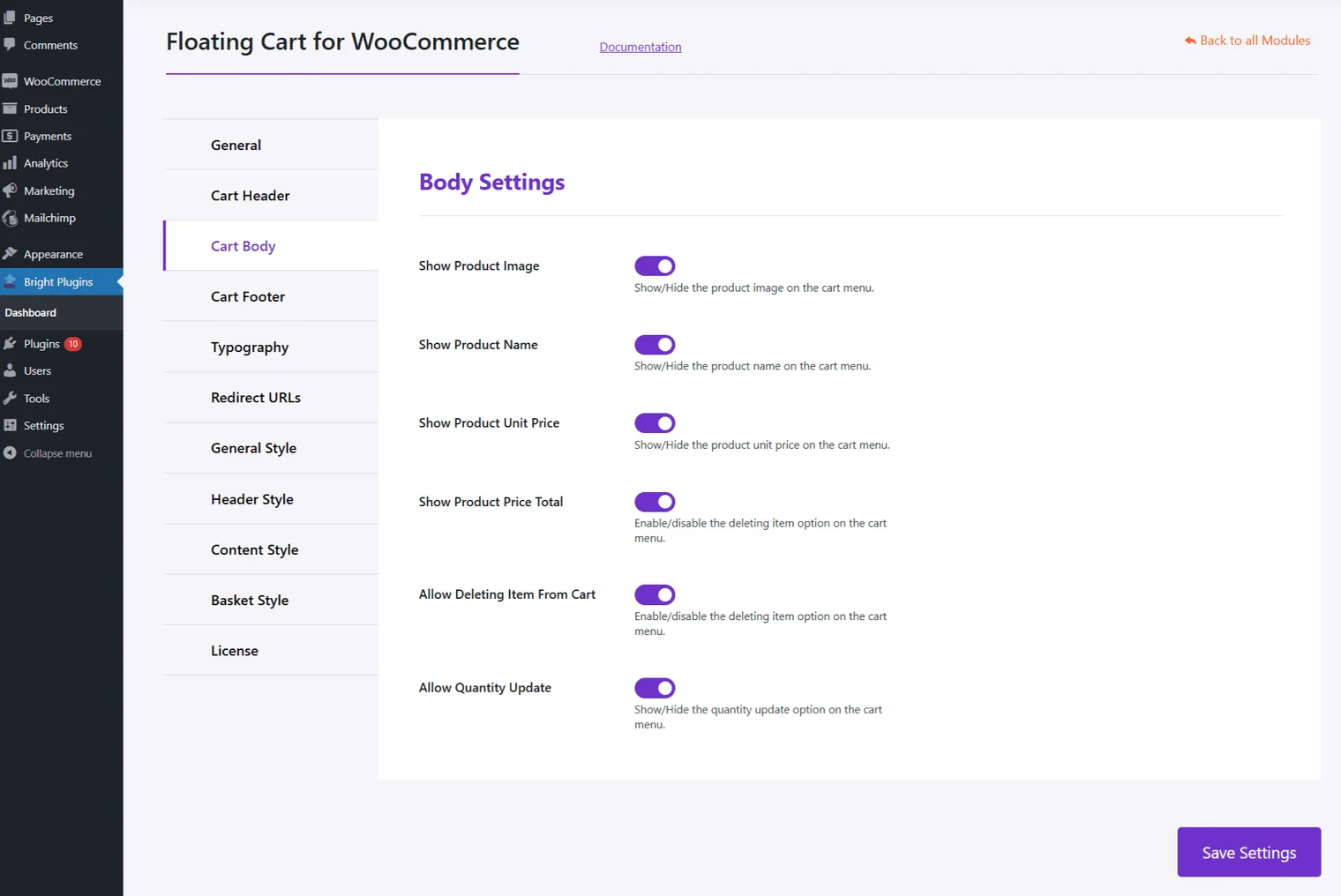
Customize how products appear in the cart:
- Show Product Image: Show or hide product images in the cart menu.
- Show Product Name: Show or hide product names in the cart menu.
- Show Product Unit Price: Display or hide the unit price of products.
- Show Product Price Total: Show or hide the total price per product.
- Allow Deleting Item From Cart: Enable or disable the option to delete items.
- Allow Quantity Update: Allow or prevent quantity updates for products.
These settings allow you to personalize both the look and functionality of the cart header and body, improving the overall shopping experience.
Updated on April 17, 2026 · Need help? Open a support ticket