
Editing Coupon Details
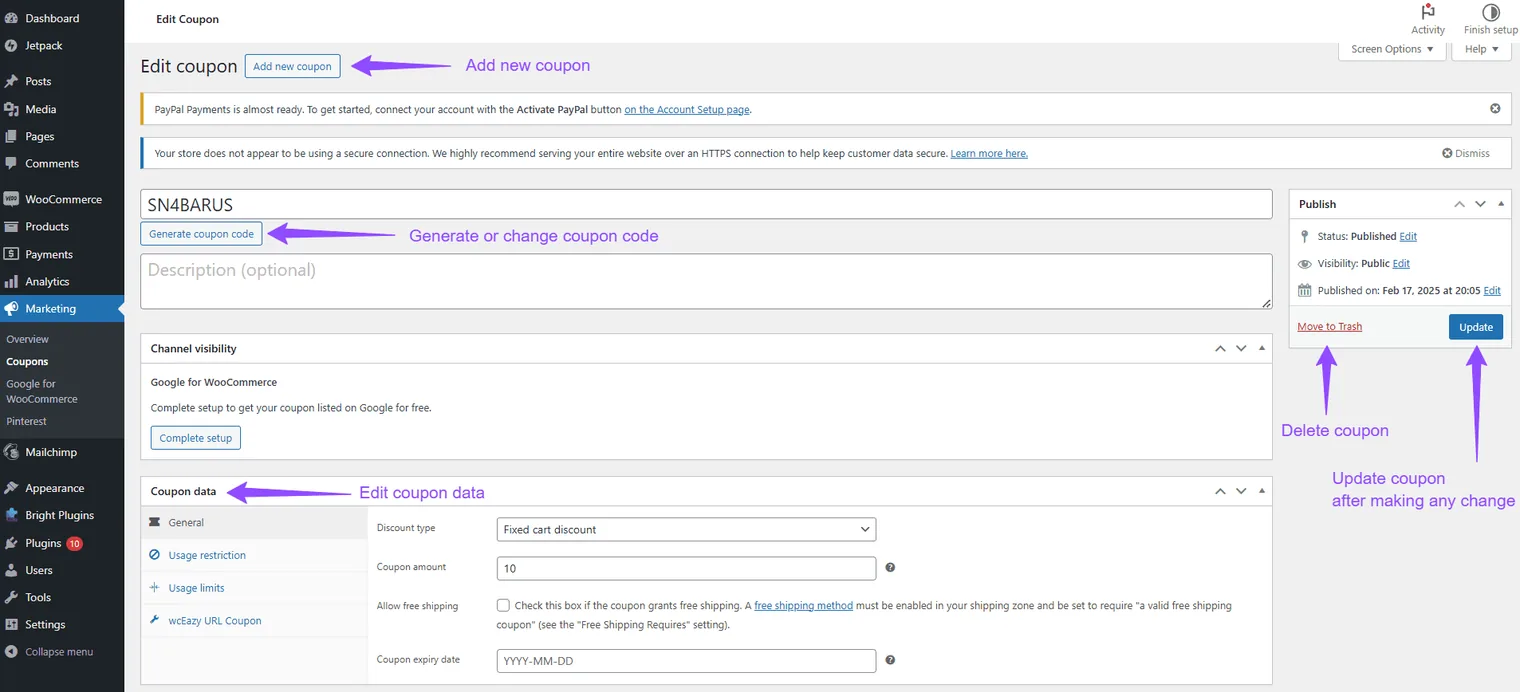
When you click on Action to edit a coupon, you will be redirected to a page displaying all details of the selected coupon. Here, you can modify:
- Coupon Code: Change the existing code if needed.
- Coupon Type: Update the type, such as fixed amount or percentage discount.
- Coupon Amount: Adjust the discount value.
- Usage Restrictions: Set conditions like minimum order amount or product restrictions.
- Usage Limits: Define maximum uses globally or per customer.
- Expiration Date: Set or adjust the expiration date.
- Other Settings: Edit additional settings like free shipping options.
Tip: After making changes, save the updated coupon to reflect new settings.
Updated on April 20, 2026 · Need help? Open a support ticket