
When you first set up then you can get something from and PayPal doesn’t return an exactly useful message.
Things don’t appear to be working at the moment. Please try again later.
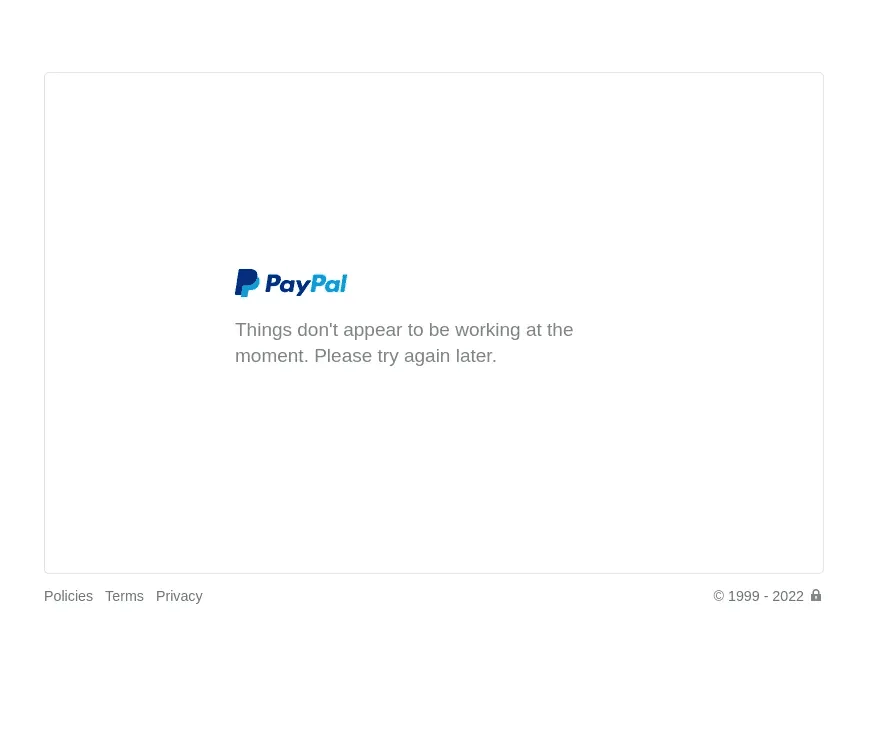
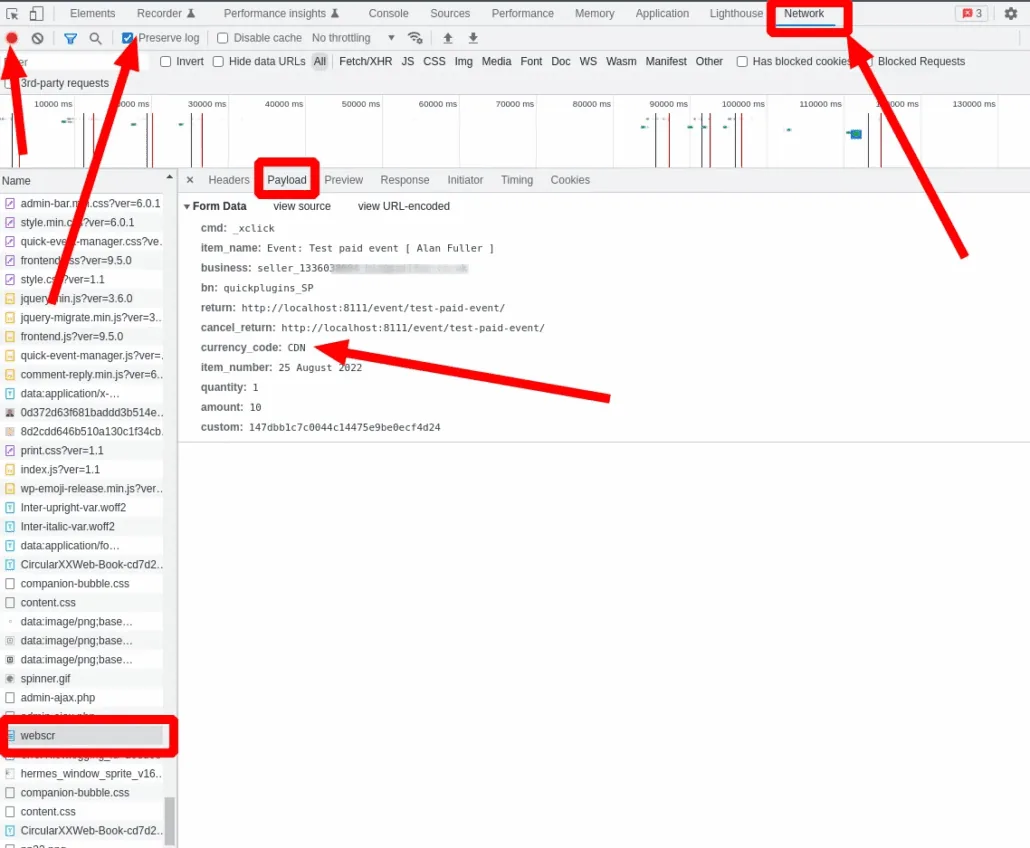
Trouble shooting this isn’t simple, but normally it means something invalid got passed to PayPal, this could be a currency code that PayPal doesn’t like, in the following example the code CDN was used instead of the correct code CAD.
To investigate what was sent – open your browser development tool ( this example is in Chrome ) and go to the network tab, tick ‘preserve log’ and ensure recording is on. Go to registration, and try to register, when it get to PayPal you can then check.
Scroll down to find webscr, and open the Payload tab and you can see what was sent.
If you can’t analyse the issue and you are a paid for customer, please contact us for support
Updated on April 20, 2026 · Need help? Open a support ticket