
Introduction
Customer engagement is crucial for business success, and offering a BOGO (Buy One, Get One) deal is an effective way to capture their attention. This guide will show you how to access and enable the BOGO Deal module.
Accessing the BOGO Deal Module
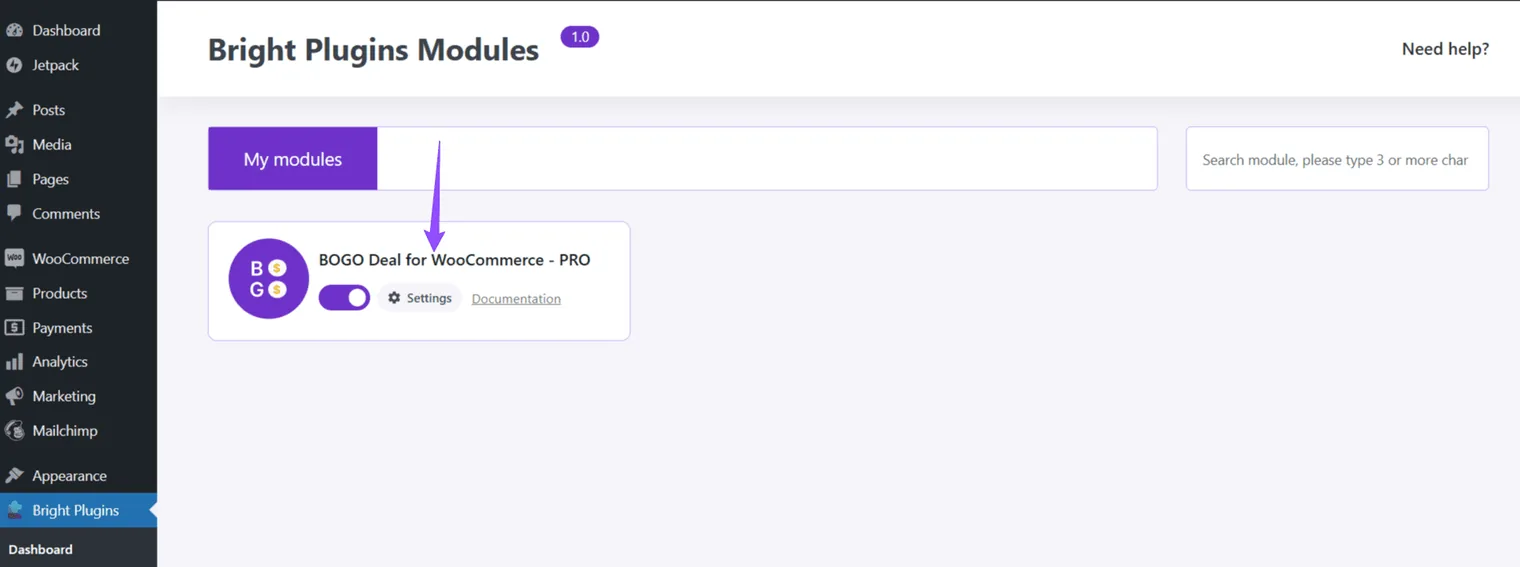
- Enable the BOGO Deal Module:
- Click on the BrightPlugins tab in your WordPress dashboard. Locate the BOGO Deal module and toggle the enabling switch to ON.
- Access the Settings:
- Go to Settings to view and configure all features related to the BOGO Deal module. Customize the settings to suit your store’s needs and enhance customer engagement.
Updated on April 20, 2026 · Need help? Open a support ticket