
Customization Options
To modify the options for displaying brand names and images on your shop page, follow these steps:
Accessing the Plugin Settings
- Navigate to Plugin Settings
- Go to the Shop Page tab within the plugin settings.
Show Brands in the Loop
You have several options for displaying brands on the shop page:
No: Disable the display of both the image and the name on the shop page.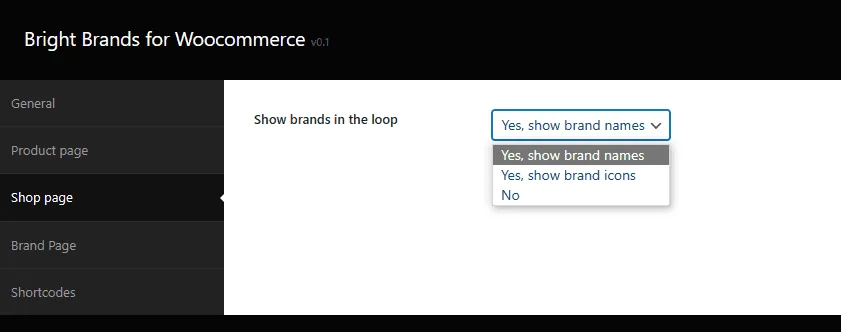
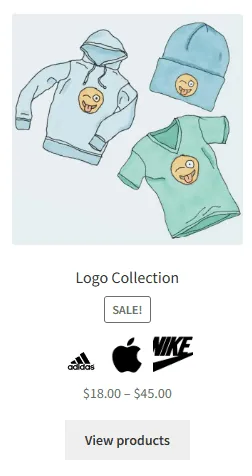
Example of Brand Icons
The brand icons will display as shown in the image below:
How to customize the brand page>
Updated on April 17, 2026 · Need help? Open a support ticket