
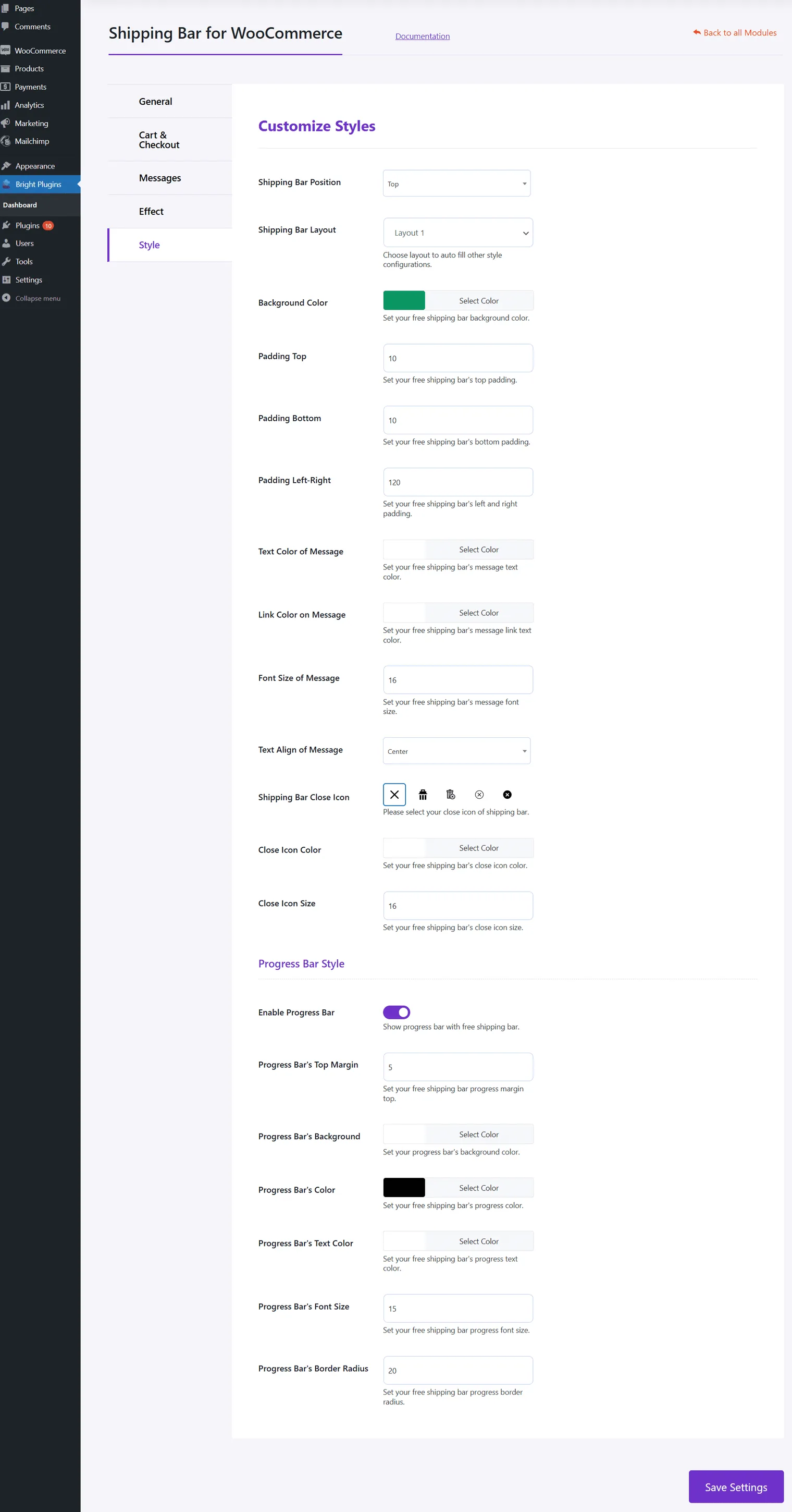
Customize Styles
- Shipping Bar Position: Choose the position of the shipping bar.
- Shipping Bar Layout: Select the layout of the shipping bar.
- Background Color: Choose the background color.
- Padding Top/Bottom/Left-Right: Set the padding.
- Text Color of Message: Choose the text color.
- Link Color on Message: Choose the link color.
- Font Size of Message: Set the font size.
- Text Align of Message: Choose text alignment.
- Shipping Bar Close Icon: Select the close icon.
- Close Icon Color: Set the close icon color.
- Close Icon Size: Set the close icon size.
Progress Bar Style
- Enable Progress Bar: Show the progress bar with the shipping bar.
- Progress Bar’s Top Margin: Set the top margin.
- Progress Bar’s Background: Set the background color.
- Progress Bar’s Color: Set the progress color.
- Progress Bar’s Text Color: Set the text color.
- Progress Bar’s Font Size: Set the font size.
- Progress Bar’s Border Radius: Set the border radius.
Updated on April 17, 2026 · Need help? Open a support ticket