
In this section, you will learn how to optimize the “Add to Cart” button functionality in your WooCommerce store, enhancing user experience and tailoring button texts to match your brand’s style.
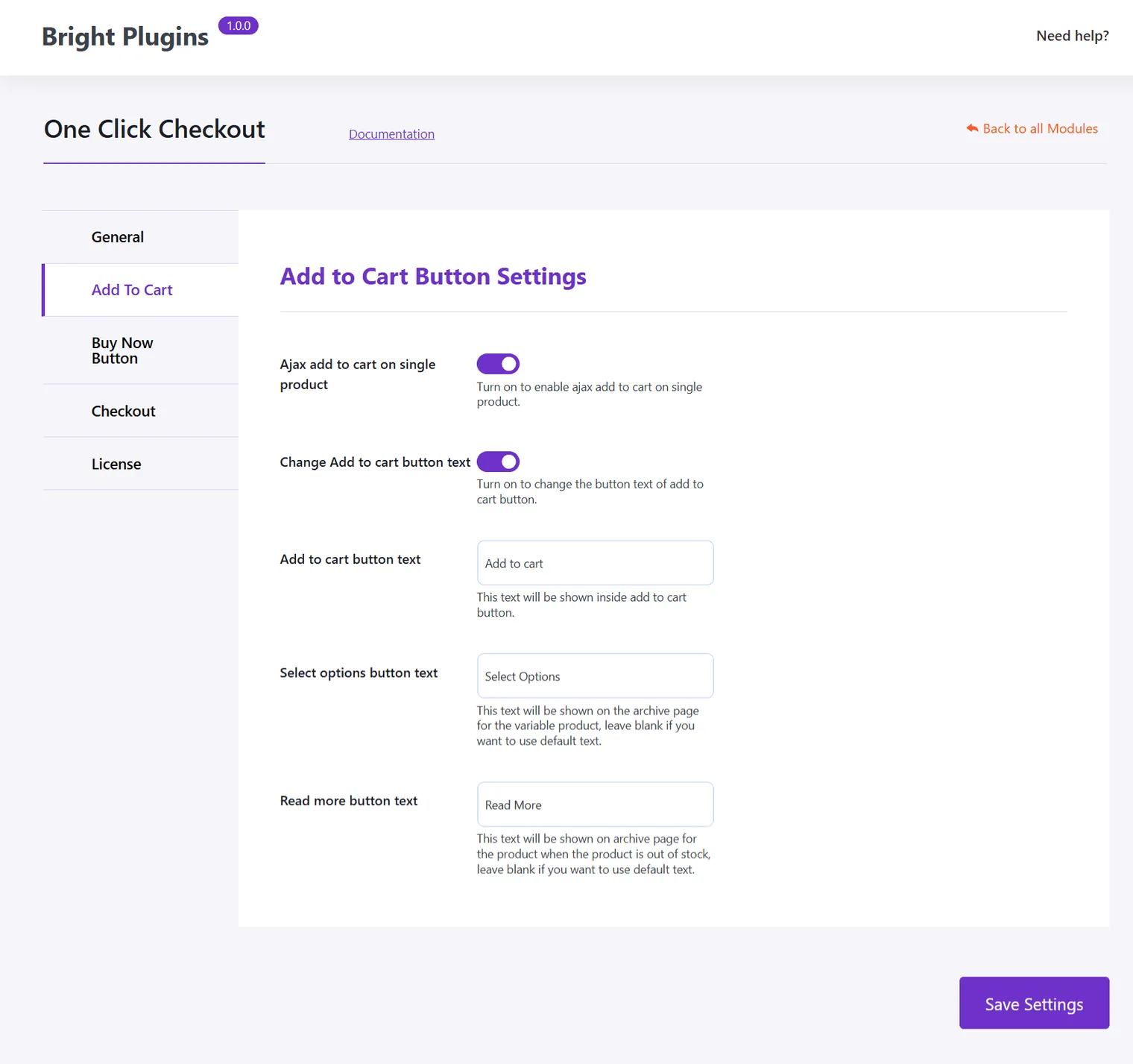
Ajax Add to Cart on Single Products
Description:
Enable this option to allow customers to add products to the cart without reloading the page. This streamlines the purchasing process, improving user experience and reducing wait times.
Customize the “Add to Cart” Button Text
Description:
Personalize button texts to align with your store’s tone. You can modify:
- “Add to Cart” Button: Change the text to make it more engaging or aligned with your communication style.
- “Select Options” Button: Adjust the text for variable products, making it easier for customers to choose options.
- “Read More” Button: Modify this text if you wish to provide additional product information.
These settings offer flexibility and control over how buttons are presented in your store, contributing to a smoother and more personalized shopping experience.
Customizing the “Buy Now” Button Settings>
Updated on April 17, 2026 · Need help? Open a support ticket