
Introduction
The Product Filter by BrightPlugins enhances your store by allowing customers to filter products by various criteria such as price, rating, and category. Customize the filters to improve the shopping experience.
Accessing the Settings
Navigate to BrightPlugins > Dashboard to enable and configure the Product Filter.
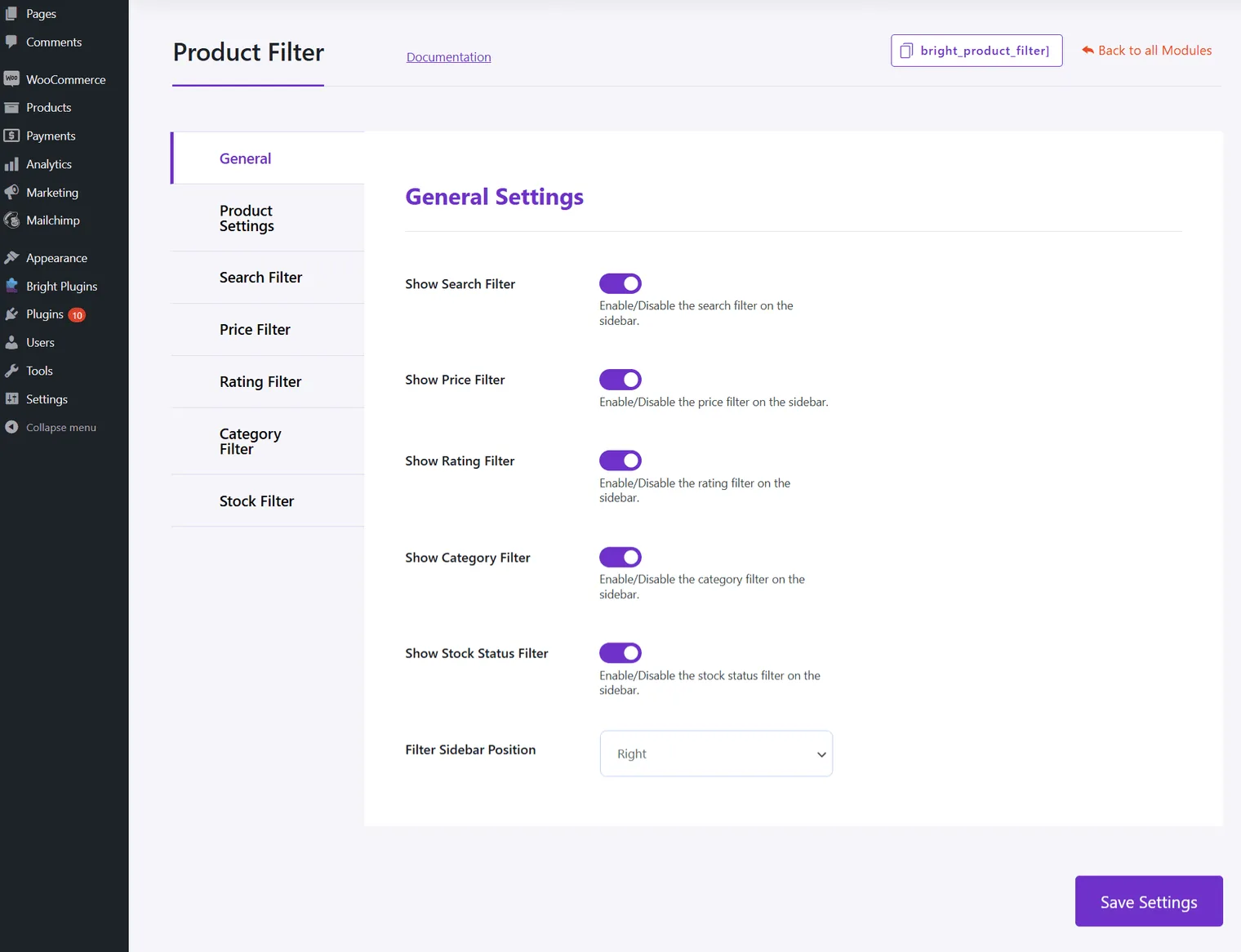
General Settings
Filter Options
- Show Search Filter: Enable/Disable the search filter on the sidebar.
- Show Price Filter: Enable/Disable the price filter on the sidebar.
- Show Rating Filter: Enable/Disable the rating filter on the sidebar.
- Show Category Filter: Enable/Disable the category filter on the sidebar.
- Show Stock Status Filter: Enable/Disable the stock status filter on the sidebar.
- Sidebar Position
- Filter Sidebar Position: Choose the position of the filter sidebar (e.g., Right).
Updated on April 16, 2026 · Need help? Open a support ticket