
Basket Style Customizations #
Tailor the appearance of the basket icon to fit your store’s theme:
- Enable Basket: Choose when the basket icon is displayed.
- Shape of Basket: Select round or square icons.
- Basket Icon Size: Set the size of the basket icon.
- Show Basket Count: Display the item count in the basket.
- Basket Position: Determine where the basket icon appears on the screen.
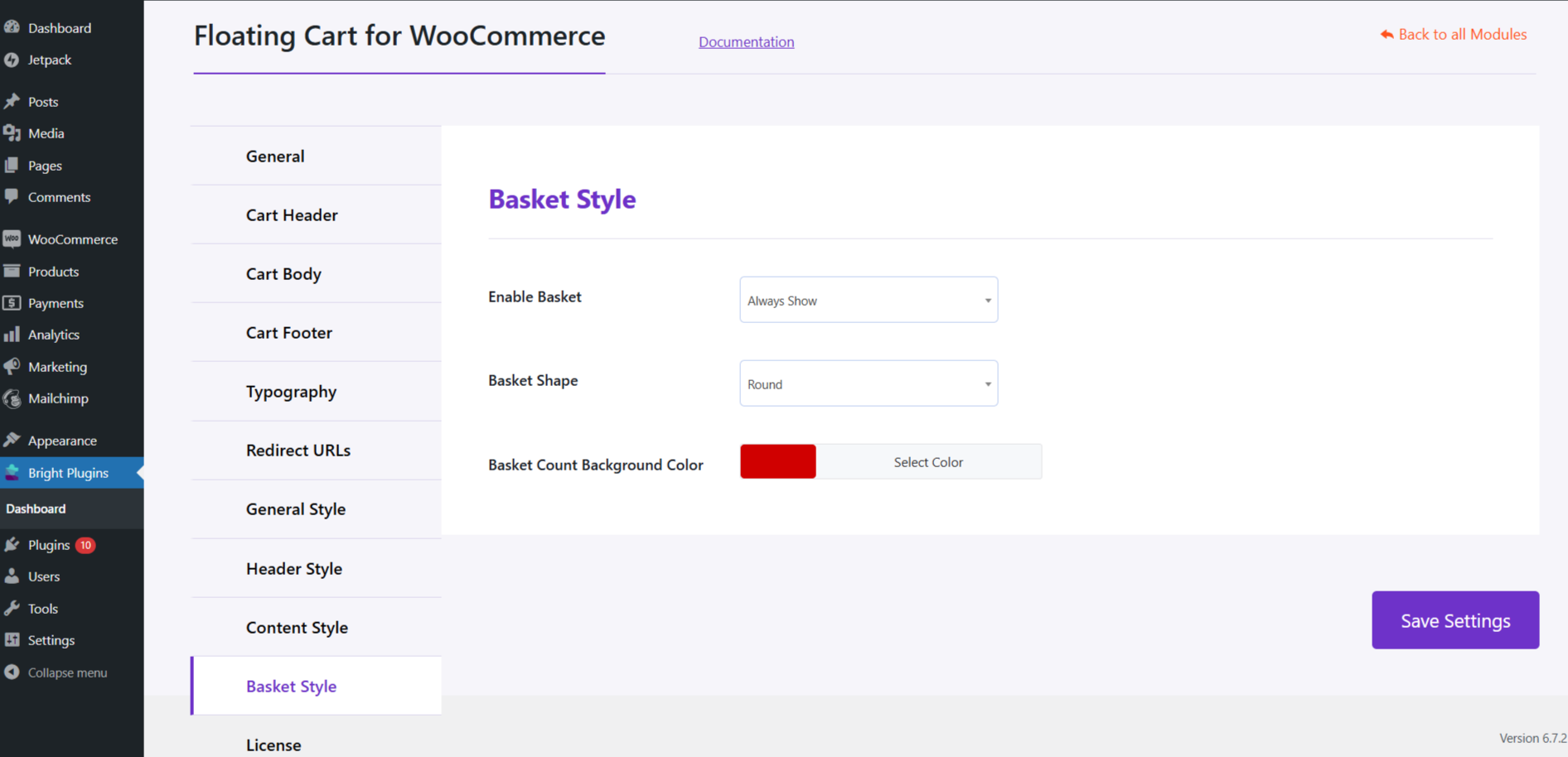
These customizations allow you to align the basket styles with your store’s design, enhancing the user experience.