Get Started with Pre-Orders for WooCommerce
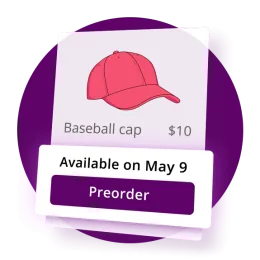
Sell products before they launch: enable pre-orders, set an availability date, and confirm the storefront display in three steps.

Setup guides, how-tos and troubleshooting for all Bright Plugins WooCommerce and WordPress plugins, written and maintained by the developers who build them. Search every guide, or pick a plugin below.
Searching 252 guides.
The guides readers open most, straight from the busiest collections.
Sell products before they launch: enable pre-orders, set an availability date, and confirm the storefront display in three steps.
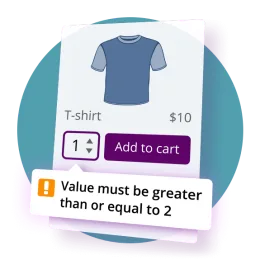
Rewrite every customer-facing string in Pre-Orders for WooCommerce: button labels, availability notices, cart warnings and validation messages.
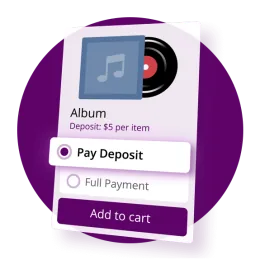
Answers on running Deposits and Pre-Orders together: what each plugin needs, when the balance is charged, and how taxes and shipping are handled.
Every plugin has its own collection. Counts come from what is published.



















Pro licence holders and Club members get priority responses, usually under 24 hours on business days.
Contact support →Grab your plugin ZIPs and licence keys from your account dashboard, any time.
Go to my account →Missing a how-to? Tell us what to document next and we will add it to the queue.
Request a topic →Search the documentation first — most setup and troubleshooting questions are answered there. If you still need help, open a ticket through the Support page. Pro licence holders and Club members get priority responses, usually under 24 hours on business days.
Log in to your Bright Plugins account and open the Downloads tab for the plugin ZIP and the Licence Keys tab for your key. Both are also included in your purchase receipt email.
Yes. The General Docs collection and each free plugin’s WordPress.org page cover installation and setup for the free plugins, including Custom Order Status Manager and Cha Ching Order Notifications.
Yes. Use the contact form to request documentation topics or plugin features. Requests from Club members are prioritised on the roadmap.