Custom Order Status Manager for WooCommerce: Take Full Control of Your Order Workflow
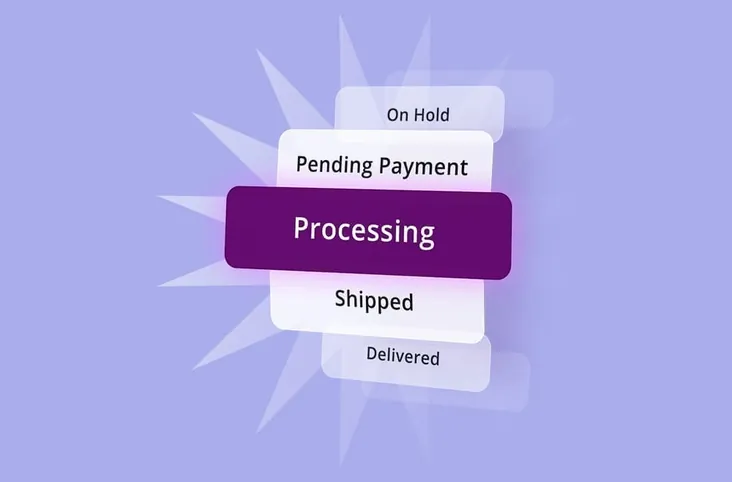
WooCommerce stores handling anything beyond a straightforward purchase-and-ship cycle tend to run into the same problem: the default order statuses don’t reflect what’s actually happening. Real-world operations involve pre-orders, backorders, partial shipments, manual reviews, supplier coordination, local pickup scheduling, and custom production timelines. Out of the box, WooCommerce offers eight statuses: Pending Payment, Failed, Processing, Completed, On Hold, Cancelled, Refunded, and Pending.
For a simple store, that framework is sufficient. For a growing operation, it often becomes too limited to represent what’s happening at each stage of fulfillment.
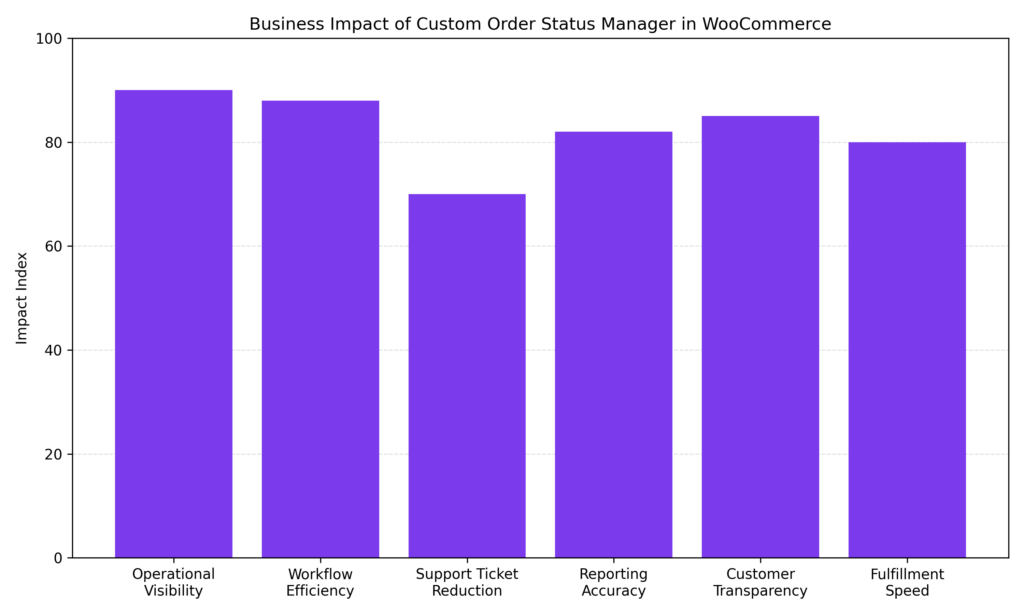
As workflows expand, visibility becomes a priority. Teams need clearer signals about where an order actually stands, not just a generic “processing” label. A custom order status manager allows store owners to define stages that mirror their real fulfillment process, reducing internal confusion, improving reporting accuracy, and delivering a more informative post-purchase experience.
Why Default WooCommerce Order Statuses Often Fall Short
WooCommerce’s core statuses were designed for a straightforward retail journey: payment received, order processed, order completed. For stores with simple inventory and direct shipping, that model holds up fine. Most modern ecommerce operations, however, are more layered. Once a workflow includes custom production, multi-step fulfillment, approval stages, or service delivery, the default labels can become too broad to communicate meaningful progress.
The problem isn’t that the default statuses are broken. It’s that they lack operational depth. When every active order is grouped under “Processing,” there’s no way to tell what’s actually happening behind the scenes. That ambiguity can create friction for both customers and internal teams, leading to unnecessary confusion and avoidable support requests.
A few common scenarios where default statuses often fall short:
- Made-to-order or custom products: “Processing” gives no indication of whether production has started, materials are still being sourced, or the item is nearly ready for dispatch.
- Multi-stage fulfillment: Picking, packing, quality checks, and carrier handoff are all compressed into a single, uninformative label.
- Service-based businesses: Critical stages such as “Scheduled,” “In Progress,” or “Awaiting Client Approval” have no equivalent in the default system.
- Wholesale and B2B orders: Approval workflows, invoice issuance, and payment terms each benefit from their own distinct status.
When order statuses don’t reflect operational reality, two issues tend to surface. Internally, staff rely on manual notes or external tools to track progress, increasing the risk of miscommunication. Externally, customers are left without clear updates and may reach out for information that could have been delivered automatically. Workflow-aligned statuses can help reduce errors, improve transparency, and create a more professional experience from purchase to delivery.
What a Custom Order Status Manager Actually Does
A custom order status manager extends WooCommerce beyond its default labels. It allows store owners to create, rename, and organize statuses that reflect how their business actually operates. Rather than fitting real processes into generic categories, it aligns order tracking with actual fulfillment stages, which can improve internal clarity, reduce manual workarounds, and better inform customers throughout the order lifecycle.
A capable solution typically enables:
- Custom status creation: Define statuses with unique labels, slugs, colors, and icons to make the orders list easy to scan at a glance.
- Automated status transitions: Set rules to move orders from one status to another based on conditions like time elapsed, order amount, product category, user role, or payment method.
- Email notifications tied to status changes: Trigger customer and admin emails at specific workflow points, not just at the default WooCommerce touchpoints.
- Bulk actions: Apply status changes to multiple orders simultaneously, which is particularly useful at higher order volumes.
- Customer-facing status descriptions: Some plugins allow store owners to attach readable descriptions to internal statuses, so a label like “Quality Check” displays a meaningful message rather than a confusing internal code.
The result is a fulfillment team with clearer signals on the next action, and customers who receive timely, relevant updates without requiring manual effort from staff.
The Operational Case for Better Order Statuses
Adding more granularity to order statuses isn’t just an operational preference. It can have a tangible effect on both customer experience and support workload.
“Where is my order” (commonly called WISMO) is consistently cited in ecommerce industry reports as one of the top drivers of inbound customer support contacts. More descriptive order statuses, paired with automated email triggers, may help reduce that contact volume. Customers who receive proactive updates at each fulfillment stage are often less likely to reach out asking for information that could have been delivered automatically.
There’s a workflow efficiency dimension as well. Custom order statuses let admins sort and filter by specific stages, which makes it easier to batch-process orders at the same physical location or fulfillment point. Bottlenecks also become more visible: if orders consistently remain in a “Quality Check” status for several days, the data can show where the delay originates.
For teams processing dozens or hundreds of orders daily, that level of operational visibility typically justifies the initial setup investment.
Practical Examples by Business Type
Different business models require different levels of order-tracking detail. While WooCommerce’s default statuses work for simple retail stores, more complex operations often benefit from milestones that reflect how work actually moves through the business.
- Made-to-order or custom products: Statuses such as “Design Approved,” “In Production,” or “Ready for Customisation” can accurately reflect the creative and manufacturing stages.
- Multi-stage fulfillment operations: Steps such as “Picking,” “Packed,” “Quality Checked,” and “With Carrier” provide clear operational checkpoints.
- Service-based businesses: Labels such as “Consultation Scheduled,” “In Progress,” or “Awaiting Client Feedback” map naturally to the stages of service delivery.
- Wholesale and B2B stores: Statuses such as “Pending Approval,” “Invoice Sent,” or “Payment Terms Active” can accommodate more complex purchasing workflows.
Aligning order statuses with the actual business model helps prevent internal guesswork and gives customers clearer, more reassuring signals at every stage.
Choosing the Right Approach: Plugins vs. Custom Code
There are two main approaches to implementing custom order statuses in WooCommerce: writing custom PHP code or using a dedicated plugin.
Custom code is a viable path for narrow, well-defined use cases where a developer is available. The custom post status gets registered via PHP and added to the WooCommerce order flow. The practical drawback is ongoing maintenance. Every WooCommerce update requires a compatibility check, particularly with High-Performance Order Storage (HPOS), which fundamentally changed how order data is structured and stored.
This is worth understanding in some technical depth. Pre-HPOS, many custom status implementations queried the wp_posts and wp_postmeta tables directly. Under HPOS, order data lives in dedicated tables (wc_orders, wc_orders_meta), and plugins or code that bypass WooCommerce’s abstraction layer via direct database queries will typically break or return incorrect results. Before adopting any plugin, check whether it uses wc_get_order() the WooCommerce CRUD methods rather than direct wp_posts queries; that’s a cleaner signal of genuine HPOS compatibility. The plugin’s readme should also include a formal HPOS compatibility declaration; if it doesn’t, treat that as a risk flag.
For most store owners, plugins are the more practical choice. They typically manage HPOS compatibility automatically, offer a user interface that doesn’t require technical knowledge, and include automation and email notification features that would otherwise require significant custom development.
A few options worth evaluating:
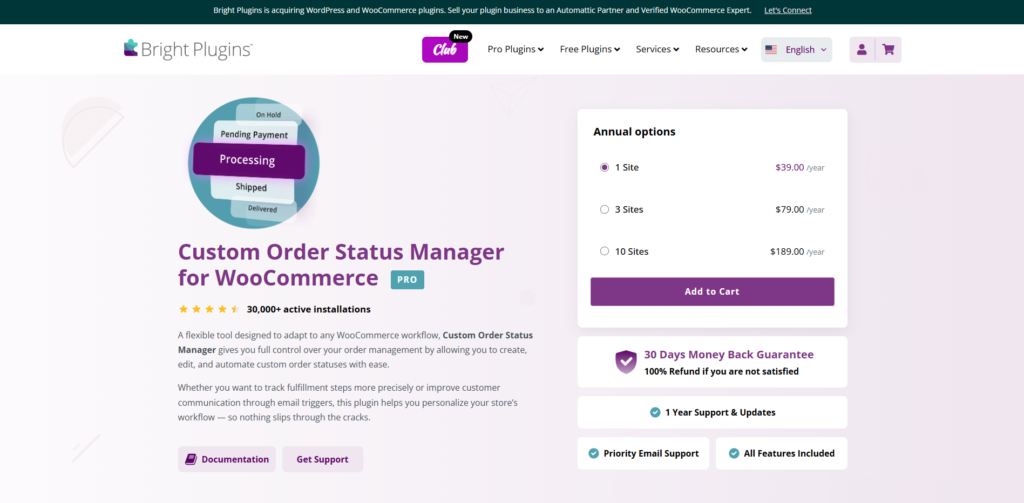
Custom Order Status Manager for WooCommerce
Built for store owners who want operational clarity and flexible status sequencing without a steep configuration curve. Practical for agencies or multi-site operators who need a consistent setup across different fulfillment models.
- Intuitive drag-and-drop status sequencing
- Custom status creation with clear workflow control
- Smart notification and email triggers
- Structured status progression
- Clean admin interface with low configuration overhead
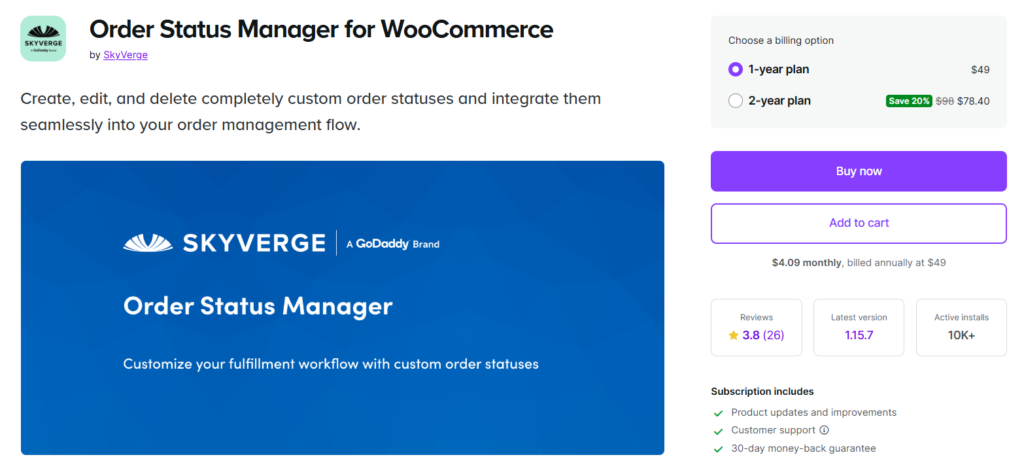
WooCommerce Order Status Manager
The official extension is built for deep native integration with WooCommerce. A solid choice for stores that prioritize guaranteed compatibility with core updates, though its feature set is more streamlined than some third-party alternatives. Pricing reflects the official marketplace tier.
- Create, edit, and delete custom order statuses
- Define next-status flows for structured transitions
- Add custom action buttons in the admin order screen
- Trigger transactional emails based on status changes
- Full compatibility with core WooCommerce updates
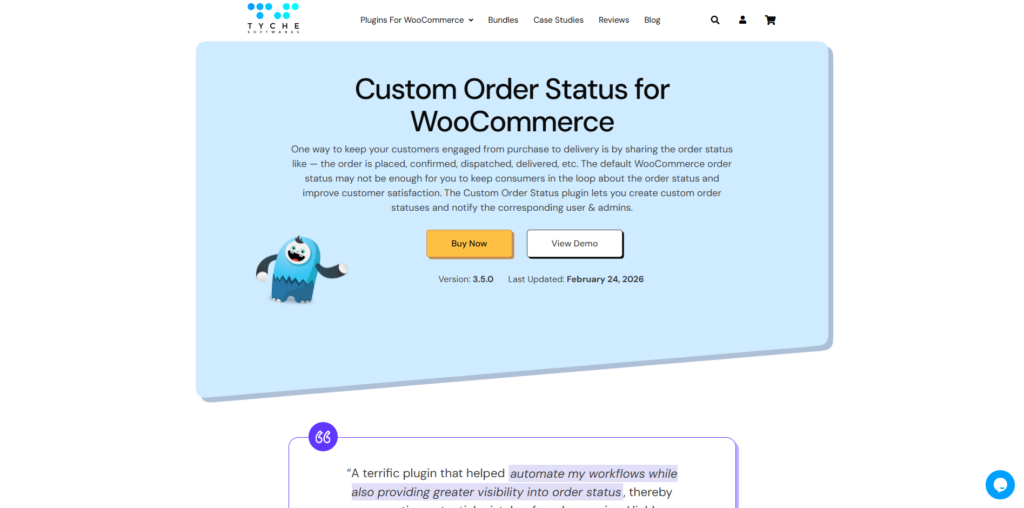
Custom Order Status for WooCommerce
A strong option when automation logic is the priority. The conditional rules engine is more flexible than most alternatives, making it well-suited for stores with complex, rules-driven fulfillment workflows.
- Unlimited custom order statuses
- Automation rules for status transitions
- Time-based status changes
- Custom email notifications per status
- Conditional logic for workflow automation
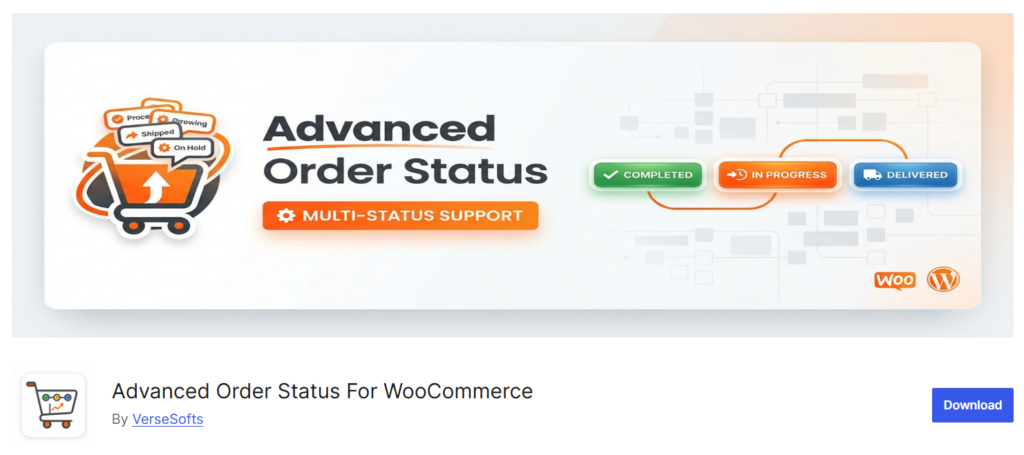
Advanced Order Status & Workflow for WooCommerce
Designed for stores with complex fulfillment pipelines. The automation capabilities go deeper than most options, making it better suited to multi-stage operations than simpler retail setups.
- Advanced workflow automation rules
- Conditional triggers for status transitions
- Bulk order status updates
- Custom action buttons
- Multi-stage operational workflow support
Before committing to any plugin, verify HPOS compatibility, review the maintenance history, and check support responsiveness. A plugin that hasn’t received an update in over a year carries real compatibility risk in a WooCommerce environment that releases updates regularly.
Best Practices When Setting Up Custom Order Statuses
Before building out a custom status structure, it’s worth planning how those statuses will affect operations, reporting, and the customer experience. A clear framework from the start helps prevent status sprawl.
- Keep names clear and customer-friendly. An internal code like “WH-Stage-2” may be meaningful to a warehouse team, but it creates confusion the moment it surfaces in any customer-facing context. Descriptive, plain-language status names tend to serve both audiences better.
- Assign colors intentionally. Color-coding statuses makes the orders list faster to scan. Most plugins support this feature, and applying it consistently pays off quickly as order volumes increase.
- Avoid over-creating statuses. Starting with the minimum number of stages that accurately represent the workflow is a sound approach. More statuses can always be added later. A bloated list introduces navigational overhead and increases the chance of misuse.
- Align custom statuses with WooCommerce Analytics. This step is frequently missed. By default, WooCommerce Analytics only counts orders in “Processing” or “Completed” states toward revenue metrics. Any custom statuses applied to paid orders that bypass the default states need to be added to the Actionable Statuses settings, or revenue reports will be undercounted.
To configure this, navigate to WooCommerce > Settings > Advanced > WooCommerce Analytics and add the relevant custom statuses to the Actionable Order Statuses list. It’s a small step with a meaningful impact on reporting accuracy, and one that’s easy to overlook until the numbers don’t add up.
Review the status list periodically. A quarterly check to remove outdated statuses and consolidate overlapping ones keeps the system clean and aligned with how the business actually operates.
A Practical Starting Framework
Rather than building a status structure from scratch, a useful approach is to map the actual fulfillment workflow before touching any WordPress settings. Writing down every stage an order passes through from purchase to delivery makes it easy to identify which stages would benefit from a dedicated status label. Comparing that list against WooCommerce’s default statuses reveals the gaps.
Most stores can cover the majority of their workflow needs with three to five custom statuses. A made-to-order store, for example, might start with “In Production,” “Ready to Ship,” and “Quality Hold.” A service business might begin with “Consultation Scheduled,” “In Progress,” and “Awaiting Client Approval.” These starting points reflect patterns that tend to work across a range of client implementations. They’re not universal, but they’re a reasonable baseline for most use cases. From there, statuses can be added incrementally as operational patterns become clearer.
A WooCommerce setup that relies on order notes, spreadsheets, or messaging apps to fill the gaps left by default statuses is a practical signal that a more structured approach would help. Even a minimal implementation with two or three custom statuses and automated notifications can reduce inbound support requests and give fulfillment teams clearer direction, without requiring a major operational overhaul.