5 Ways WooCommerce Deposits Can Boost Your Cash Flow (And Reduce Cart Abandonment)
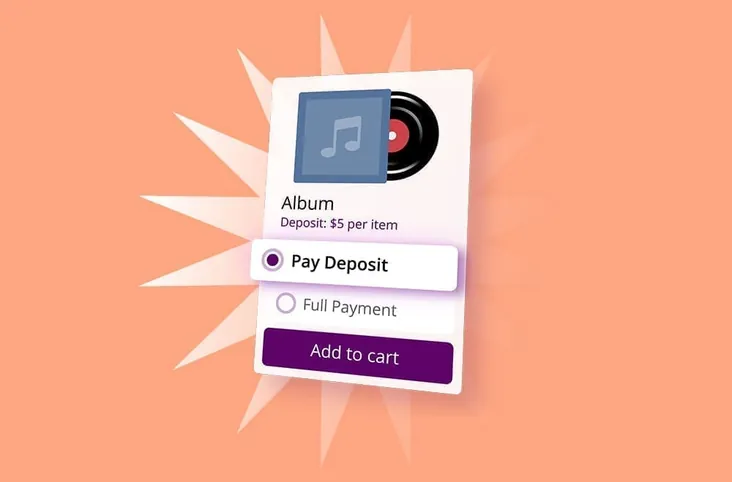
If you’re running a WooCommerce store selling high-ticket items, custom products, or services, you’ve probably watched customers add expensive items to their cart only to abandon them at checkout. That $2,000 custom furniture piece or $800 photography package suddenly feels like too much commitment, even for customers who genuinely want what you’re offering.
The price tag isn’t always the problem. Sometimes it’s the timing. Your customers want the product, but paying the full amount upfront creates a psychological barrier that’s tough to overcome.
This is where deposit functionality can help. By allowing customers to secure their purchase with a partial payment, you reduce that initial commitment barrier while potentially improving your cash flow. This guide walks through how this works in practice.
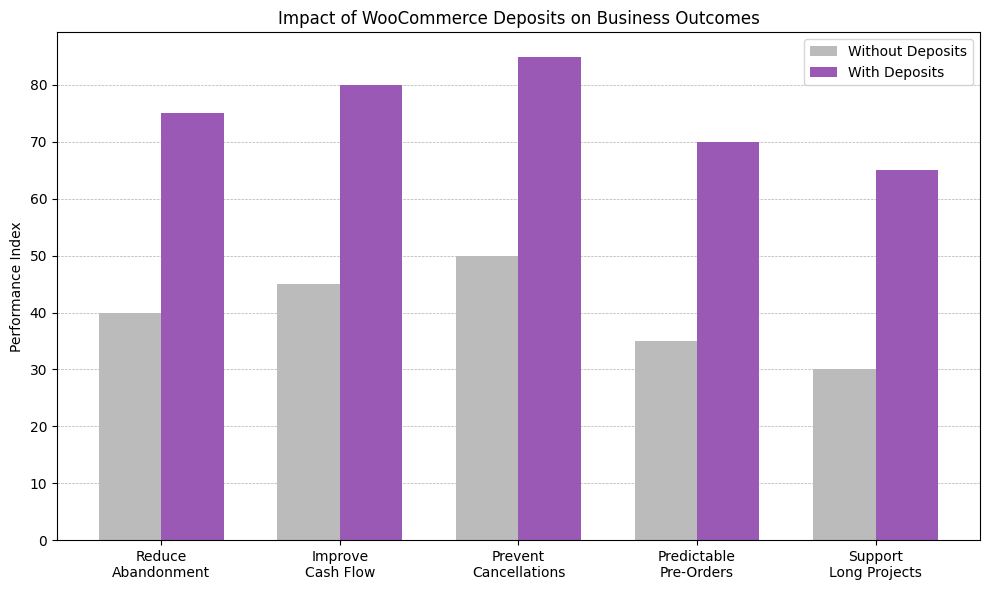
This graph shows patterns commonly observed when WooCommerce stores add deposit functionality. Merchants often report reduced cart abandonment, earlier cash flow, fewer cancellations on high-value orders, and better demand signals for pre-orders. Results vary by industry, but deposits typically make it easier to convert customers into significant purchases by lowering the initial-commitment barrier. The core benefit is solving a timing problem: customers want the product but aren’t ready to pay in full, while merchants need revenue certainty to produce or procure. Implementation requires attention to refund policies, payment gateway compatibility, and order management workflows.
1. Lower the Psychological Barrier at Checkout
The moment a customer sees a large total at checkout is often when doubt creeps in. Even if they’ve been browsing your site for weeks and know exactly what they want, that final number can trigger hesitation.
Deposits address this by reframing the purchase decision. Instead of asking “Can I afford $1,500 right now?” your customer thinks “Can I commit to $300 today and plan for the rest?” That’s a fundamentally different question, and one that’s typically easier to answer with “yes.”
How this helps your business:
- May reduce cart abandonment rates on high-value items
- Captures revenue from customers who need more time to arrange full payment
- Creates a commitment that can make follow-through more likely
- Works particularly well for pre-orders, custom work, and seasonal products
Store owners who manage WooCommerce sites report that offering deposit options tends to improve conversion rates on items priced above the average order value. The exact improvement varies by product mix and typical price points, but the pattern holds across store types.
2. Improve Cash Flow for Custom and Made-to-Order Products
If you create custom products or offer made-to-order items, you’re familiar with a frustrating cash flow problem: you invest time, materials, and labor before receiving payment. This ties up working capital and creates risk if customers cancel or disappear.
Deposits flip this equation. When a customer places an order for a custom dining table or a personalized jewelry piece, their deposit covers your initial material costs and serves as validation of their commitment. You’re no longer funding their custom order from your own pocket while hoping they’ll complete the purchase.
Real-world applications:
- Custom furniture makers can purchase materials knowing the customer is committed
- Print-on-demand businesses can fund production costs upfront
- Service providers can block calendar time with financial backing
- Manufacturers can order components for custom builds without cash flow strain
This becomes especially valuable during busy seasons. Instead of watching your bank account drain as you fulfill orders, you’re receiving partial payment up front that helps fund the work you’re actively doing.
3. Reduce No-Shows and Cancellations
Here’s something store owners consistently report from managing hundreds of WooCommerce stores: customers who pay a deposit are more likely to complete their purchase. There’s a psychological principle at work. Once someone has financial skin in the game, abandoning the purchase means losing that deposit.
For service-based businesses using WooCommerce for bookings, this can make a real difference. That wedding photographer who blocks out an entire Saturday, or the consultant who reserves four hours for a strategy session, now has some protection against last-minute cancellations that leave revenue gaps in their schedule.
Where deposits often make the biggest difference:
- Appointment-based services (photography, consulting, events)
- Rental businesses (equipment, venues, vacation properties)
- Pre-order campaigns for new product launches
- Seasonal products with limited production windows
The deposit doesn’t just reduce cancellations. It tends to attract more serious buyers. Customers who aren’t truly committed often won’t complete the initial deposit, which actually saves you time and energy you might otherwise waste on tire-kickers.
4. Create Predictable Revenue for Pre-Orders and Seasonal Products
If you launch new products or run seasonal campaigns, you know the challenge of forecasting demand. Order too much inventory, and you’re stuck with dead stock. Order too little and you leave money on the table.
Deposits give you real financial data before you commit to large inventory purchases or production runs. When customers put down money up front, you’re not relying on market research or guesswork. You have actual purchase commitments backed by real money.
Strategic benefits for planning:
- Validate product demand before large inventory investments
- Negotiate better terms with suppliers when you have confirmed orders
- Manage seasonal cash flow swings more effectively
- Fund marketing campaigns with revenue from pre-orders
This works particularly well for stores introducing new product lines or testing market interest in higher-priced items. The deposit model essentially lets your customers fund their own product development while committing to purchase.
5. Maintain Healthy Cash Flow During Long Production Cycles
For businesses with extended fulfillment timelines, traditional payment structures create a difficult situation. You might wait four to eight weeks between order and delivery, with all your costs front-loaded and payment delayed until completion.
Deposits solve this by bringing in revenue in advance. That woodworker building custom cabinets with a six-week lead time now receives working capital when the order is placed, not six weeks later. The same applies to print shops, manufacturers, and any business where significant time passes between order and fulfillment.
Why this matters for sustainability:
- Reduces reliance on business credit lines or loans
- Frees up cash for materials and labor during production
- Allows you to take on more concurrent projects without cash flow strain
- Creates smoother financial operations with more predictable income
The remaining balance at delivery still covers the bulk of your work, but you’re not operating as an unsecured lender to your own customers during production.
How to Implement Deposits Without Complicating Your Store
Adding deposit functionality to WooCommerce doesn’t require rebuilding your entire checkout process. Several plugins handle the heavy lifting, managing partial payments, tracking balances, and sending reminders for remaining amounts.
Key features to look for:
- Flexible deposit rules (fixed amounts, percentages, or product-specific settings)
- Clear communication of payment terms at checkout
- Automatic balance reminders and payment links
- Compatible with your existing payment gateway
- Simple administration for tracking partial payments
You’ll want to think through your deposit policies before implementing them. Common approaches include percentage-based deposits, fixed amounts for certain product categories, or deposit requirements only above certain price thresholds.
One technical consideration: make sure your chosen plugin handles order status correctly. When a customer pays a deposit, the order status should reflect “partially paid” rather than “completed.” This prevents inventory from being marked as available when you still have an outstanding balance to collect. Some plugins handle this automatically, while others require manual management of order statuses.
Making Deposits Work for Your Business
The effectiveness of deposits depends on how well you match the approach to your specific business model. A photographer booking events needs a different deposit logic than a furniture maker taking custom orders, even though both benefit from the basic concept.
Consider testing deposit requirements on a subset of products first. High-ticket items and custom products typically see the clearest benefit, while commodity products at competitive prices might not need deposit functionality at all.
Your deposit policy should also reflect your cost structure and cash flow needs. If materials represent a third of your costs, a similar deposit amount makes sense. If labor is your primary expense and it’s spread across the production timeline, a smaller deposit with milestone payments might work better.
A common mistake: setting deposits too low. A small deposit on a $2,000 item doesn’t provide enough cash-flow benefit or create sufficient customer commitment. Most successful implementations use deposits in the one-quarter to one-half range for custom products, and roughly one-third for service bookings.
WooCommerce Deposit and Partial Payment Plugins Worth Considering
Adding deposit functionality to WooCommerce is about choosing a tool that aligns with your sales process. The plugins below are commonly used to support partial payments, pre-orders, and staged billing for high-value products and services. Each one approaches deposits a little differently. Some focus on simplicity, others on flexibility or subscriptions. The right choice depends on your business model, pricing structure, and fulfillment timelines.
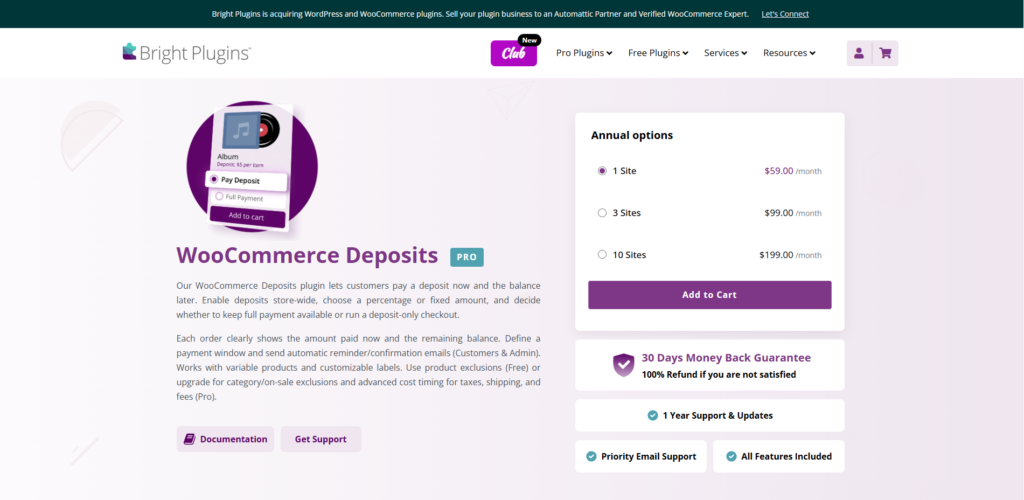
Deposits for WooCommerce
This plugin lets you accept partial payments for products and services, making it easier for customers to commit to high-value purchases while improving your store’s cash flow.
- Fixed or percentage-based deposits
- Optional or mandatory deposit settings
- Clear deposit vs full-payment choice at checkout
- Automated balance payment reminders
- Supports simple and variable products
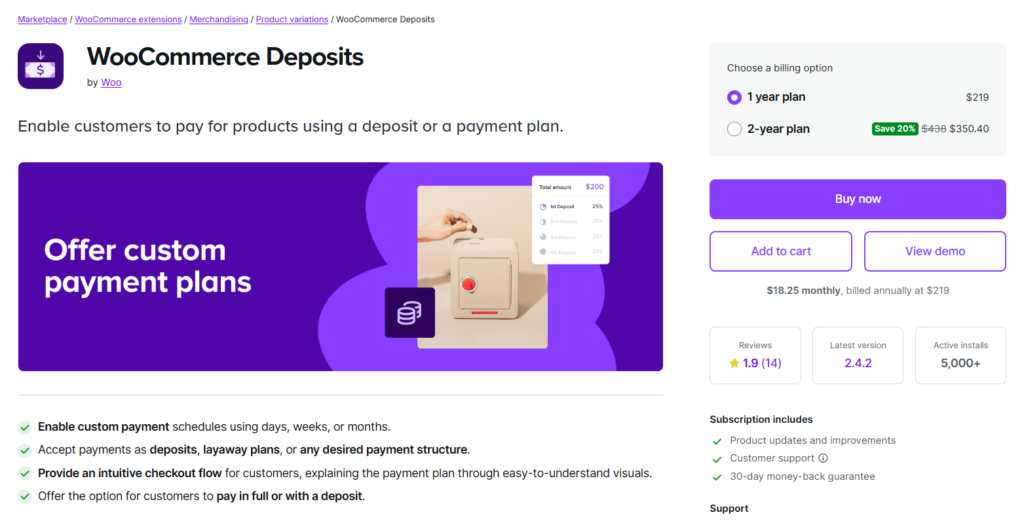
WooCommerce Deposits – Partial Payments
This plugin is one of the more widely adopted solutions for handling deposits in WooCommerce. It allows store owners to offer customers the option to pay a percentage or a fixed amount upfront, with the remaining balance collected later.
- Supports fixed and percentage-based deposits
- Optional or mandatory deposit settings
- Balance payment reminders and management
- Works with most major payment gateways
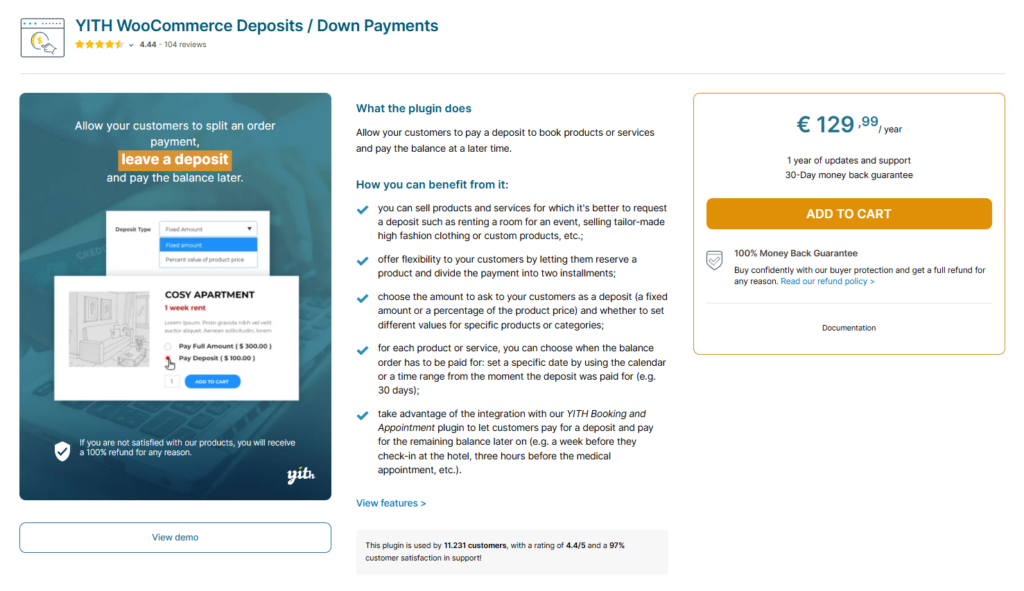
YITH WooCommerce Deposits / Down Payments
Designed for stores selling custom or made-to-order products, this plugin offers granular control over deposit rules at both product and category levels.
- Global or product-specific deposit rules
- Percentage or fixed deposit amounts
- Automatic balance due handling
- Clear deposit messaging on product pages
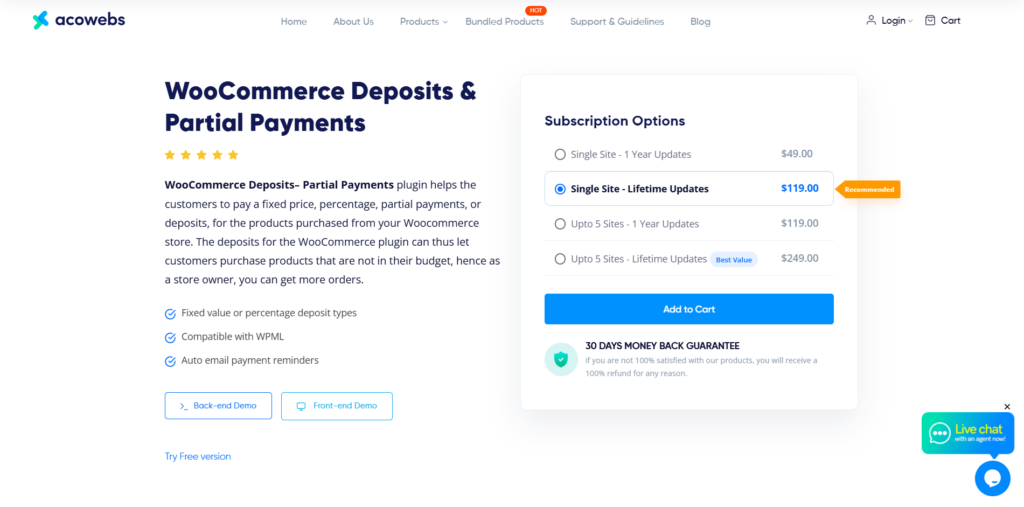
Deposit Payments for WooCommerce (Acowebs)
A flexible solution that supports deposits across different product types while maintaining transparency for customers during checkout.
- Optional or required deposits
- Category-level deposit rules
- Clear breakdown of deposit vs balance
- Works with most WooCommerce payment gateways
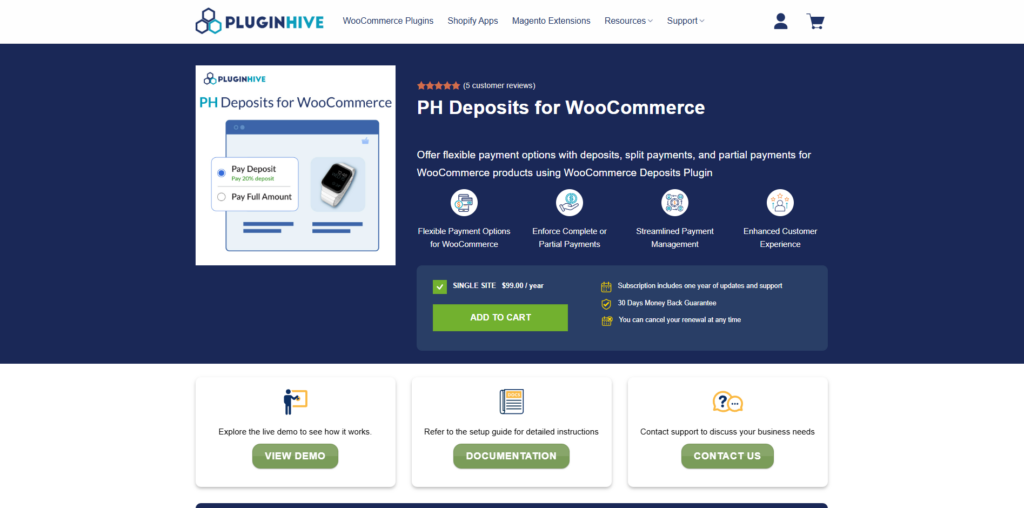
WooCommerce Deposits by PluginHive
This plugin lets customers place an order with a partial payment and complete the remaining balance later. It’s designed for stores selling high-value, custom, or service-based products that need flexible payment options without complicating the checkout process.
- Fixed or percentage deposit options
- Optional or required deposits
- Flexible payment and installment plans
- Product-level deposit settings
- Automatic balance payment reminders
Getting Started with Deposits in Your Store
If cart abandonment on higher-priced products is affecting your revenue, or if cash flow challenges are limiting your ability to take on custom work, deposits might be worth exploring.
Start by identifying which products or services would benefit most from deposit options. Look at your cart abandonment data, your average order values, and where customers hesitate during checkout. Those high-abandonment, high-value items are usually your best candidates.
One approach that works well: create a test group of five to ten products with deposit options enabled, then compare their conversion rates with similar products without deposit options over a 30-day period. This gives you concrete data on whether deposits help your specific customer base and product mix.
The goal isn’t just to add a feature. It’s to solve real cash flow and conversion challenges in your business. By reducing the initial commitment barrier while improving your working capital, deposits can create a better situation for both you and your customers.