
Path: WooCommerce → Bright Plugins → Deposit Settings → General Settings → Days to pay installment / Days before due
Scope: Free
What it does
Defines the payment window for the remaining balance and when reminder emails should be triggered before the due date.
Settings
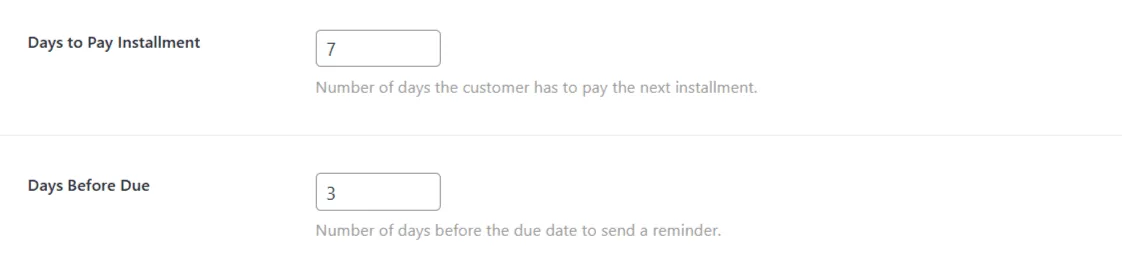
- Days to pay installment — number of days customers have to pay the remaining balance.
- Days before due — how many days before the deadline a reminder should be sent.
Behavior & limits
- The due date is calculated from the order date using Days to pay installment.
- Reminder timing uses Days before due and the corresponding email template(s).
- Email content and enabling/disabling are handled in Email Templates (e.g., Upcoming Deposit Payment Reminder – Customers, Upcoming Payment Deposit Reminder – Admin).
- This setting does not auto-charge balances; it controls timing and reminders. Collection happens when the customer pays the balance.
Related usage
- Keep Customers Informed with Branded Emails
- Set Payment Deadlines for Big Events
Updated on April 20, 2026 · Need help? Open a support ticket