
Context #
Repeat customers (home/office), gift buyers, and B2B accounts often reuse addresses. Re-typing at checkout slows conversion and causes mistakes.
What you can achieve with this use case #
- Save multiple addresses (Billing & Shipping) per customer.
- Show a Select Address control on Checkout to auto-fill fields.
- Allow Add / Edit / Delete / Make Primary from My Account.
How it looks in your store #
Checkout dropdown #
Lists saved addresses plus Add New Address; selection auto-fills the form.
My Account → Address Book #
Billing/Shipping cards with Edit, Delete, Make Primary actions.
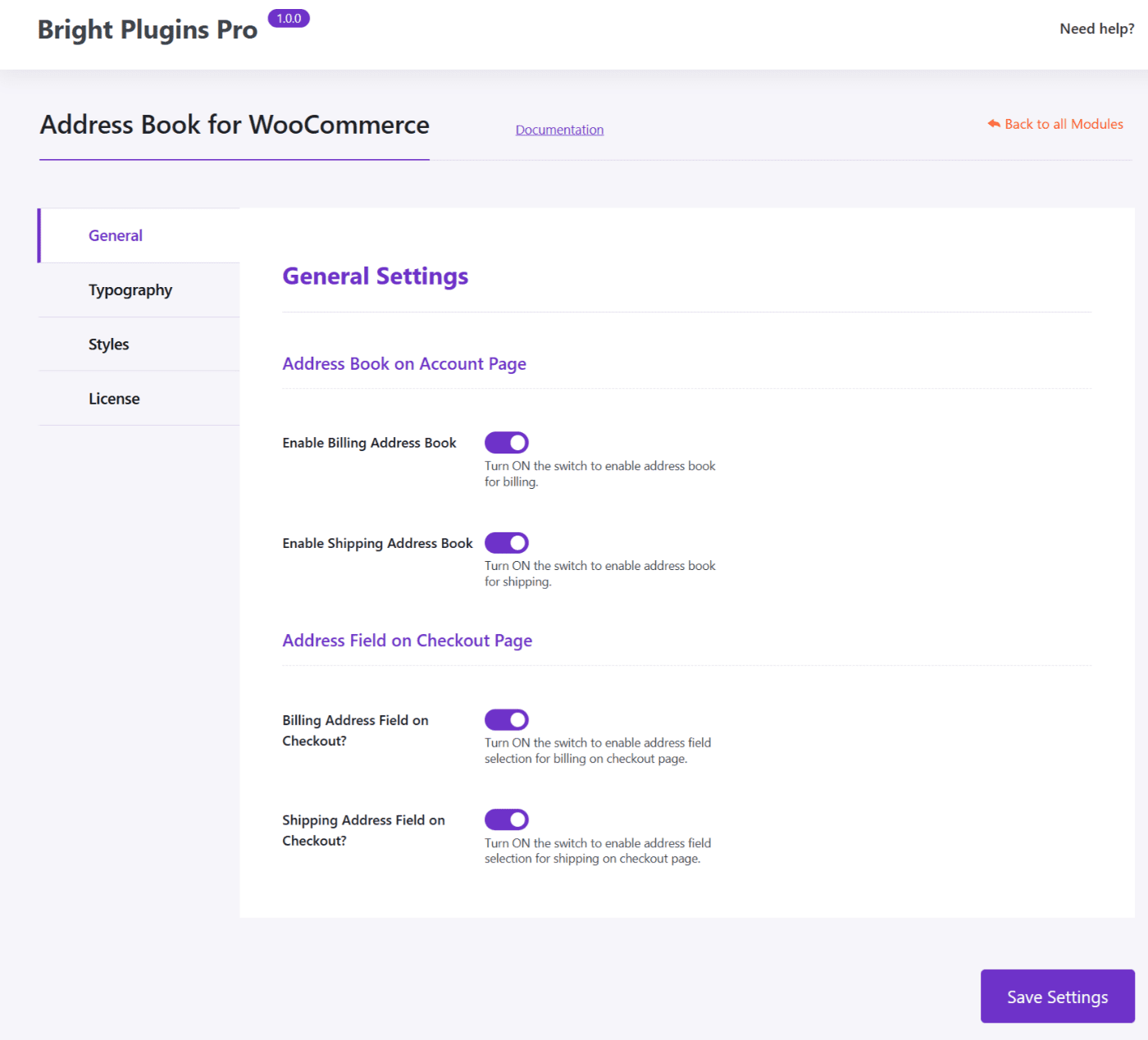
Settings (Admin) #
Enable Address Book for Billing/Shipping and the Address field on Checkout.
Real examples #
Gifts #
Carlos saves friends’ addresses and picks the right one at checkout.
Home & Work #
Ana alternates between office and home depending on the day.
B2B #
Ship to warehouse and invoice to HQ (shipping ≠ billing).
Moving #
Update the primary address and remove the old one.
Key benefits #
- Faster checkout: fewer steps, less friction.
- Fewer errors: consistent, validated data.
- Better UX for repeat buyers & B2B: real time savings.
Quick setup (admin) #
Enable in Settings → General:
- Enable Billing Address Book
- Enable Shipping Address Book
- Address Field on Checkout (Billing/Shipping)
Notes #
- Requires the customer to be logged in.
- If shipping rates depend on the address, totals recalculate after selection.