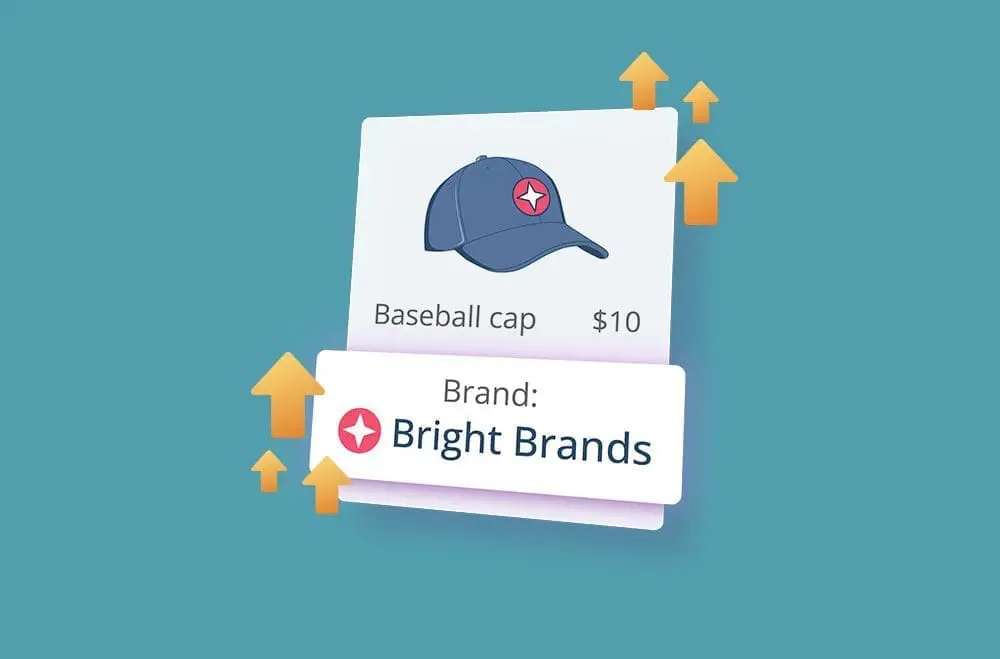
Boost Product Credibility with Bright Brands for WooCommerce
Building customer trust is important for online store success. Shoppers are more inclined to purchase from brands they recognize and trust, so highlighting product branding can make a real difference. Bright Brands for WooCommerce is a plugin designed to help store owners showcase brand labels directly on product pages, category listings, and search filters. This addition makes it easier for customers to identify familiar names, which can help build trust and improve the shopping experience from the first click.
Using the WooCommerce Bright Brands Plugin enhances the look of your store and supports product visibility and overall professionalism. More than just a visual upgrade, adding brand information may help increase conversion rates, support customer decision-making, and encourage long-term loyalty. Brand recognition often plays a key role in consumer confidence, whether you’re selling electronics, fashion, or specialty goods. In this guide, you’ll discover how to maximize Bright Brands for WooCommerce and provide your customers with a more personalized, brand-focused experience.
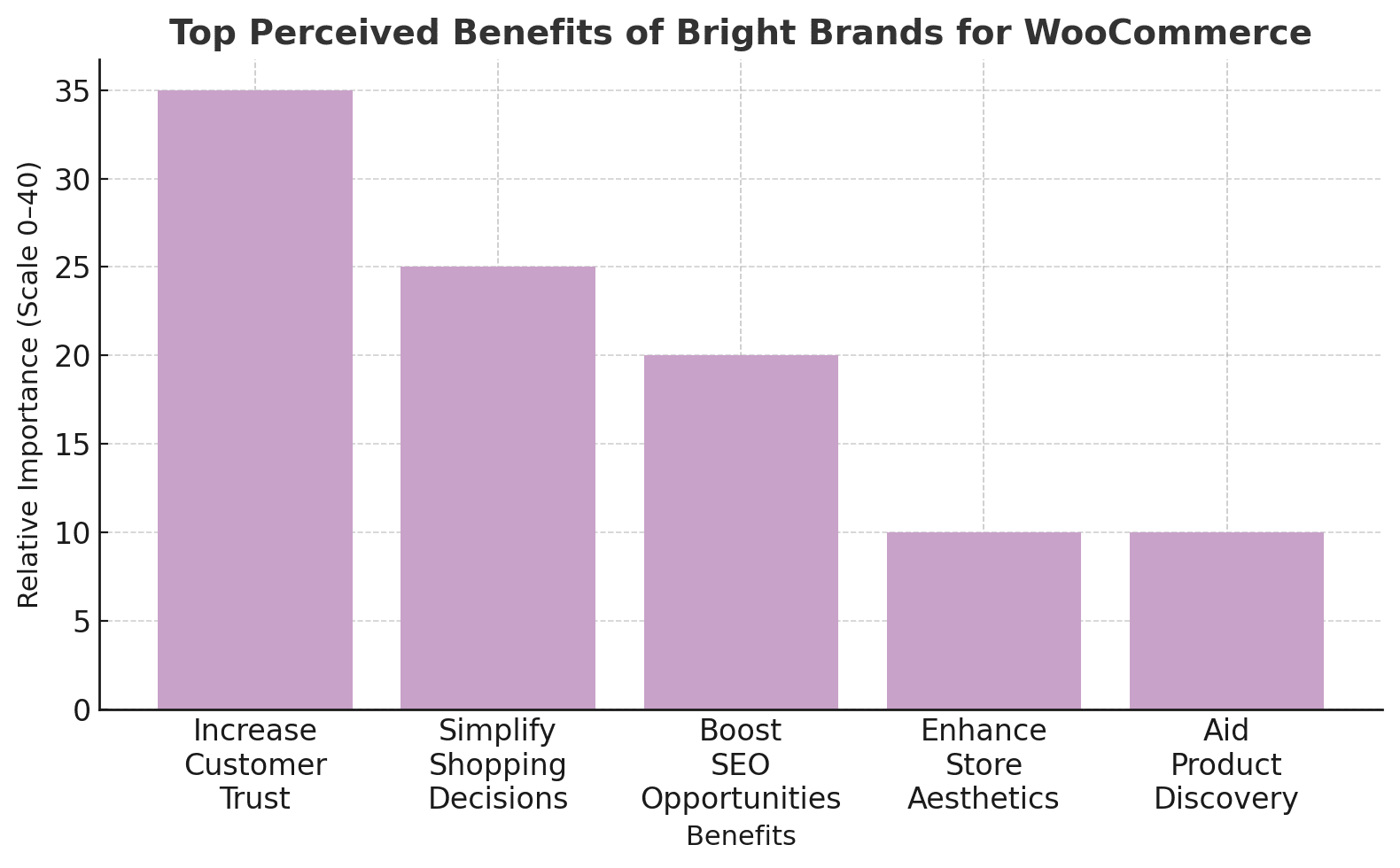
The bar graph shows how users perceive the benefits of implementing the Bright Brands for WooCommerce plugin. The most commonly reported advantage is “Increase Customer Trust,” reflecting how recognizable brand presentation can help build reliability among shoppers, followed by “Simplify Shopping Decisions” and “Boost SEO Opportunities,” which highlight improved navigation and potential organic visibility gains. “Enhance Store Aesthetics” and “Aid Product Discovery” demonstrate additional value in store design and product exploration. Results will vary depending on implementation quality and how thoroughly brand taxonomies are configured. Success typically requires proper setup of brand pages, optimization of brand-specific content, and ongoing maintenance of product-to-brand associations.
Introducing Bright Brands for WooCommerce
Bright Brands for WooCommerce is an easy-to-use plugin that simplifies managing and displaying product brands in your store. Designed with usability in mind, it allows you to create, assign, and showcase brand names and logos without needing technical skills. Whether you’re selling mass-market products or niche goods, the plugin helps highlight brand identity in a visually consistent and customer-friendly manner.
With this plugin, you can spotlight each brand, which may improve product discoverability and make your store feel more trustworthy and professional. It benefits store owners who want to offer refined search options or tell brand stories. Brands aren’t just aesthetic elements; they communicate value and reliability and can help influence buying decisions.
Key Features of Bright Brands for WooCommerce include:
- Easy Brand Management: Create and assign brands directly within the WooCommerce dashboard.
- Custom Brand Pages: Each brand gets a standalone page for SEO and storytelling opportunities.
- Flexible Display Options: Show brand logos or names on product pages, archives, and checkout.
- Theme Compatibility: Works with nearly all WooCommerce themes out of the box.
- Brand Filters: Add filtering widgets that let users browse by brand quickly.
- Performance-Optimized: Lightweight coding helps ensure fast load times, even with multiple brands.
Why Do Brands Matter in WooCommerce Stores?
Brands carry more than just aesthetic appeal; they symbolize trust, quality, and identity. Customers often gravitate toward names they recognize and associate positively with in a competitive online market. By adding brands to your WooCommerce store, you’re not just organizing products; you’re reinforcing buyer confidence and making it easier for customers to make purchasing decisions. Whether a shopper is browsing casually or looking for something specific, a well-placed brand label can be the tipping point between hesitation and conversion.
Highlighting brands also improves your store’s professionalism and overall shopping experience. Customers typically appreciate clarity and consistency; brand logos or names help them quickly identify preferred products. In addition, brand pages and filters create new opportunities for navigation and search engine optimization, helping users and search engines better understand your catalog. This can result in better user engagement, higher visibility, and stronger long-term brand loyalty.
Benefits of Displaying Product Brands:
- Increase Customer Trust: Familiar brand names can make your store feel more reliable and legitimate.
- Simplify Shopping Decisions: Let customers easily sort and filter by preferred brands.
- Enhance Store Aesthetics: Clean brand labels elevate your product presentation.
- Support SEO Opportunities: Brand-specific landing pages often rank better in brand-related search queries.
- Aid Product Discovery: Help customers explore new items within trusted brands they love.
How to Set Up Bright Brands for WooCommerce
Setting up Bright Brands for WooCommerce is straightforward and doesn’t require technical skills. From installing the plugin to displaying branded content on your store, each step is designed to enhance usability, improve customer navigation, and support store credibility. Once installed, you can start building brand profiles, organizing them into categories, assigning them to products, and enabling filters to let your customers browse more efficiently.
Steps to set up Bright Brands for WooCommerce:
- Install and Activate the Plugin: Download the Bright Brands for WooCommerce plugin, upload it to your WooCommerce store, and activate the plugin through your WordPress dashboard.
- Add Brand Information: Go to Products > Brands. Add new brands with names, descriptions, and logos. Organize brands into categories (e.g., by product type or manufacturer region).
- Assign Brands to Products: Edit your products and select the relevant brand from the “Brands” field. This works similarly to assigning product categories or tags.
- Display Brands on Product Pages: Use the plugin settings to control where and how brands are displayed on product pages, category pages, and checkout areas.
- Enable Brand Filters: Add a Brand Filter widget to your sidebar or top navigation so customers can quickly sort products by brand.
Common Setup Challenges & Solutions:
- Brand logos not displaying: Ensure image files are optimized (<100KB) and that your theme includes the
do_action('woocommerce_product_meta_start')hook for taxonomy display. - Brand filters not showing correctly: Set permalinks to Post name (Settings → Permalinks) for proper taxonomy URLs.
- Slow filtering on large stores: Use object caching (Redis or Memcached) to handle heavy taxonomy queries efficiently.
- Brand pages showing 404 errors: Go to Settings → Permalinks → Save Changes to flush rewrite rules and fix taxonomy URLs.
Best Practices for Using Bright Brands for WooCommerce
To maximize the impact of Bright Brands for WooCommerce, apply strategic and consistent brand display techniques. Proper implementation improves your store’s visual appeal, enhances user navigation, speeds up product discovery, and helps build customer trust. Keeping your branding clean, lightweight, and performance-optimized will create a smooth shopping experience that may encourage repeat purchases and higher conversions. Monitoring how customers interact with brand elements can also guide you in making informed improvements over time.
Best practices to consider:
- Utilize high-quality, yet optimized logos to help ensure fast page loading speeds.
- Display brands consistently across product pages, categories, and filters to reduce confusion.
- Group similar brands into categories to simplify user navigation.
- Limit the number of brand elements per page to avoid visual clutter.
- Test your layout on mobile devices to ensure brand elements look clean and responsive.
- Add alt text to brand logos for accessibility and improved SEO performance.
- Monitor bounce and exit rates on brand pages to identify any usability issues.
- Prominently feature trusted brands on your homepage or landing pages to support credibility.
- Use filters strategically, placing them where users naturally browse or refine search results.
- Regularly audit and update brands to remove outdated listings and keep your store current.
Performance Considerations:
- Optimize Brand Queries: When displaying brand filters across multiple pages, consider using lazy loading or fragment caching to improve page responsiveness.
- Use WooCommerce Transients: Store brand lists in transients that refresh every 12–24 hours to reduce repeated database queries.
- Shared Hosting Environments: Brand taxonomy queries may use more server resources on shared hosting; caching mechanisms can help maintain stability.
- NGINX Configuration: Verify that your server blocks correctly handle
/brand/URLs. NGINX may require manual rewrite rules, so your hosting provider might need to adjust the configuration to avoid 404 errors or routing issues.
Comparing Bright Brands with Other Brand Plugins
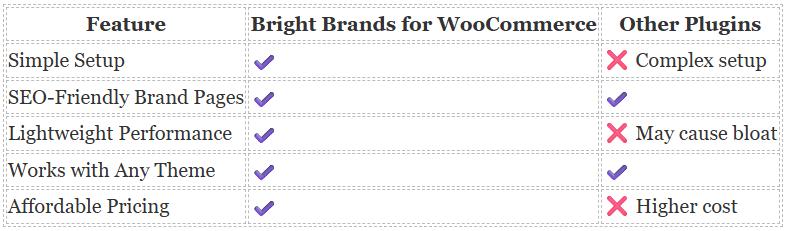
Compared with other WooCommerce brand plugins, Bright Brands stands out for its ease of use and performance optimization. While some alternatives offer similar functionality, they may have more complex configurations, heavier code, or compatibility issues requiring additional customization. Bright Brands focuses on speed, simplicity, and seamless integration, making it suitable for beginners and experienced store owners. Its lightweight design helps ensure smooth performance, and its pricing makes it a practical choice without compromising core features.
Best WooCommerce Brand Plugins to Consider in 2025
If you want to expand your brand-focused capabilities beyond Bright Brands or need alternatives for specific use cases. In that case, these plugins offer a range of branding features to suit different store needs. From lightweight solutions to premium tools with advanced filtering, each plugin brings something unique to your WooCommerce brand strategy.
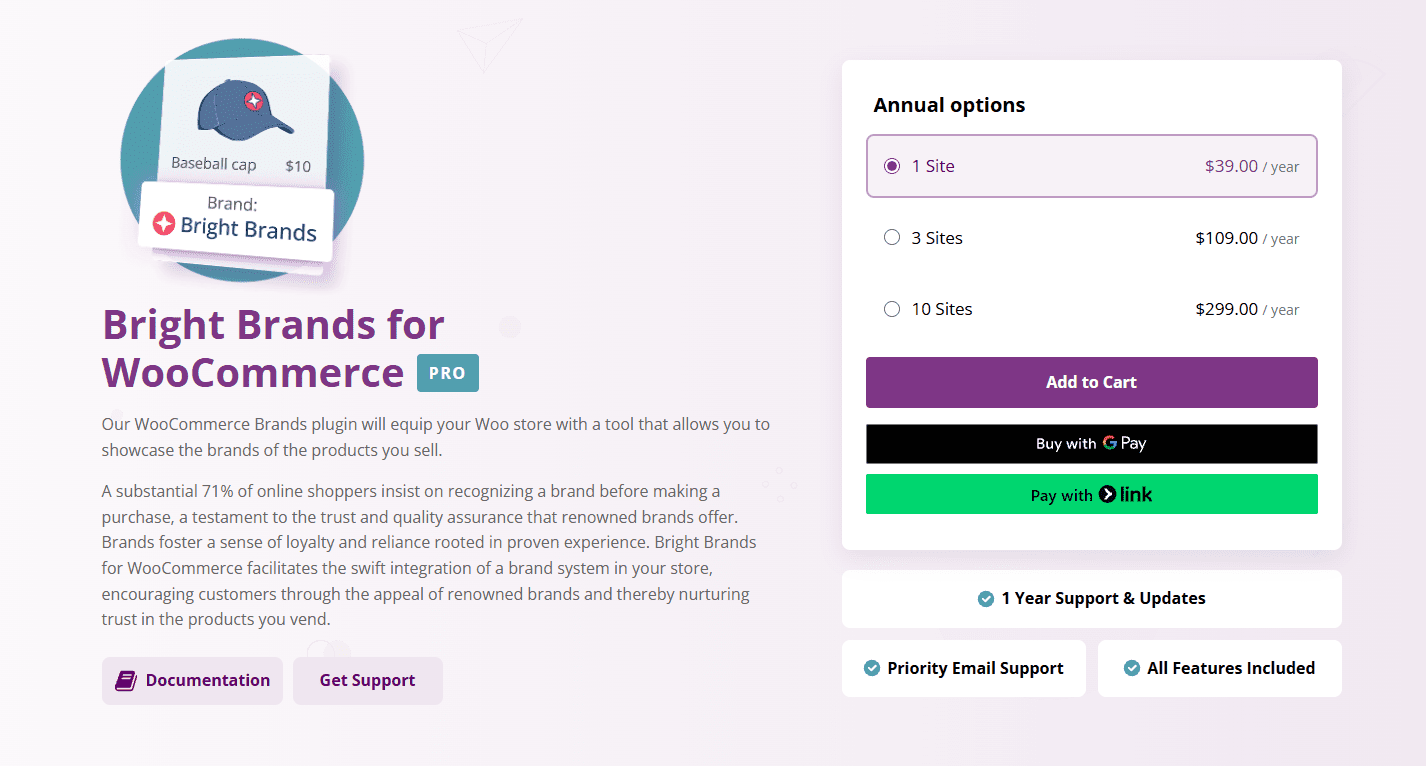
1. Bright Brands for WooCommerce
Bright Brands for WooCommerce is a user-friendly plugin that helps you create, assign, and showcase product brands across your store. It can enhance brand visibility and support customer trust by allowing clean brand filtering, custom brand pages, and more.
- Assign brands with names, logos, and descriptions
- SEO-optimized brand landing pages
- Brand filters and widgets for navigation
- Fast performance and lightweight code
- Compatible with most WooCommerce themes
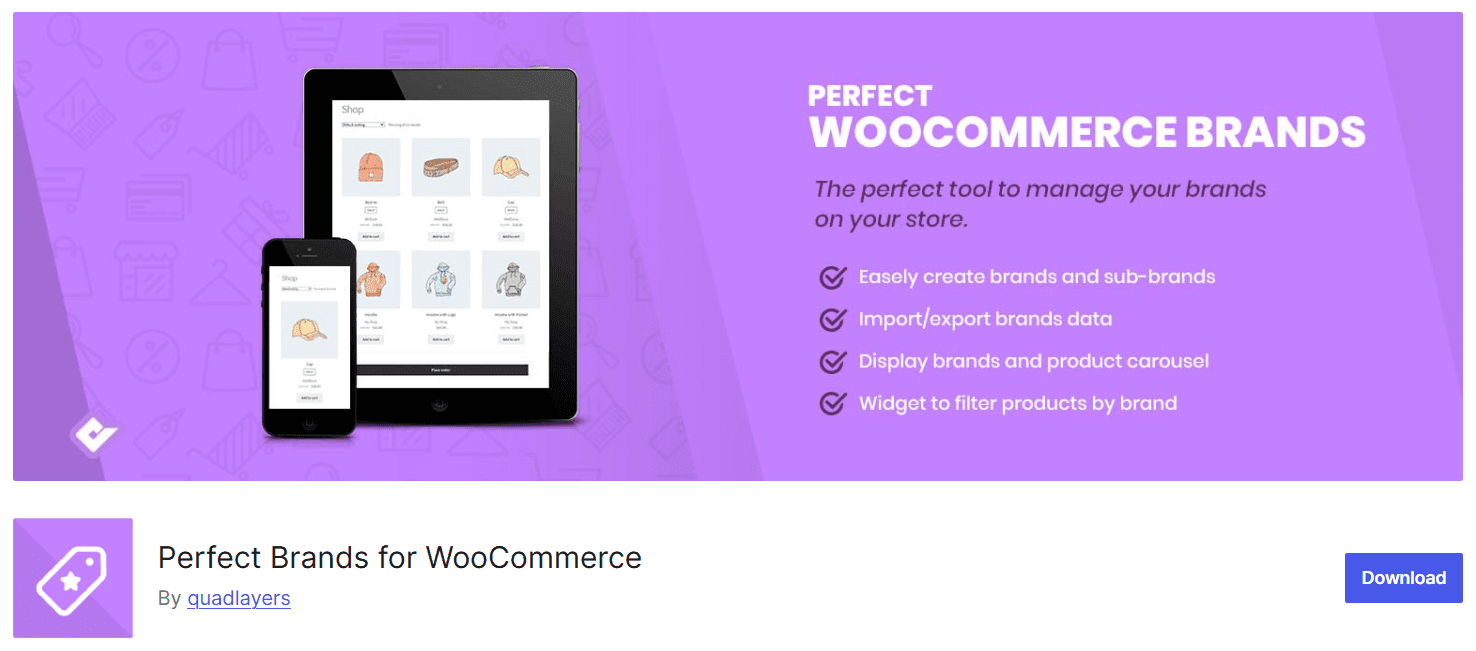
2. Perfect Brands for WooCommerce
Perfect Brands adds brand taxonomy to your store, making it easy to tag, sort, and display brands elegantly on your product and archive pages.
- Adds brand logos and names to product listings
- Custom brand archive pages
- Widgets and shortcodes included
- Seamless integration with WooCommerce
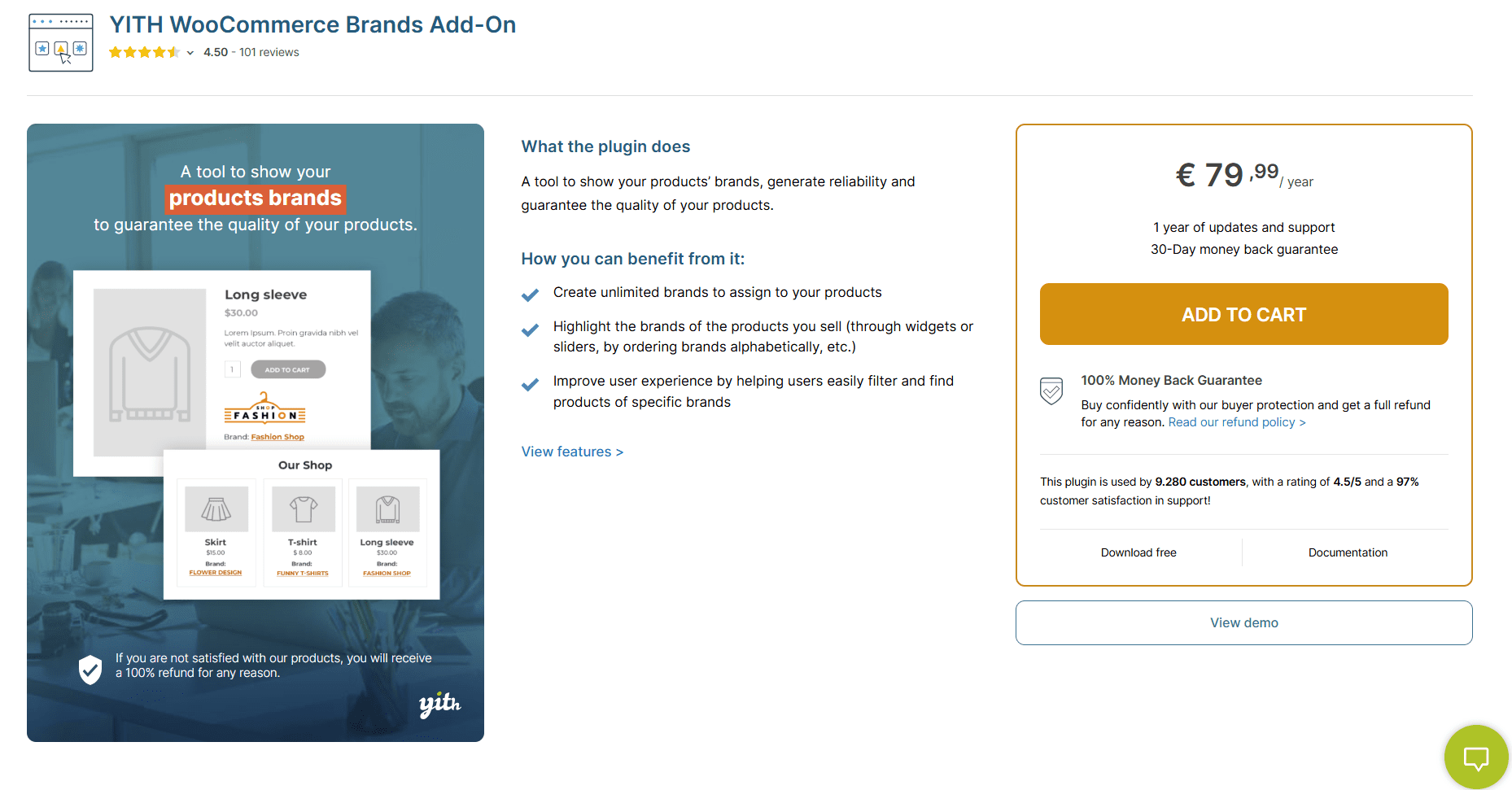
3. YITH WooCommerce Brands Add-On
YITH Brands Add-On allows you to showcase logos and build a complete brand index, which may work well for larger stores with extensive catalogs.
- Add brand logos to product thumbnails.
- Create brand sliders and dedicated pages.
- Integrates with YITH widgets
- Multilingual-ready
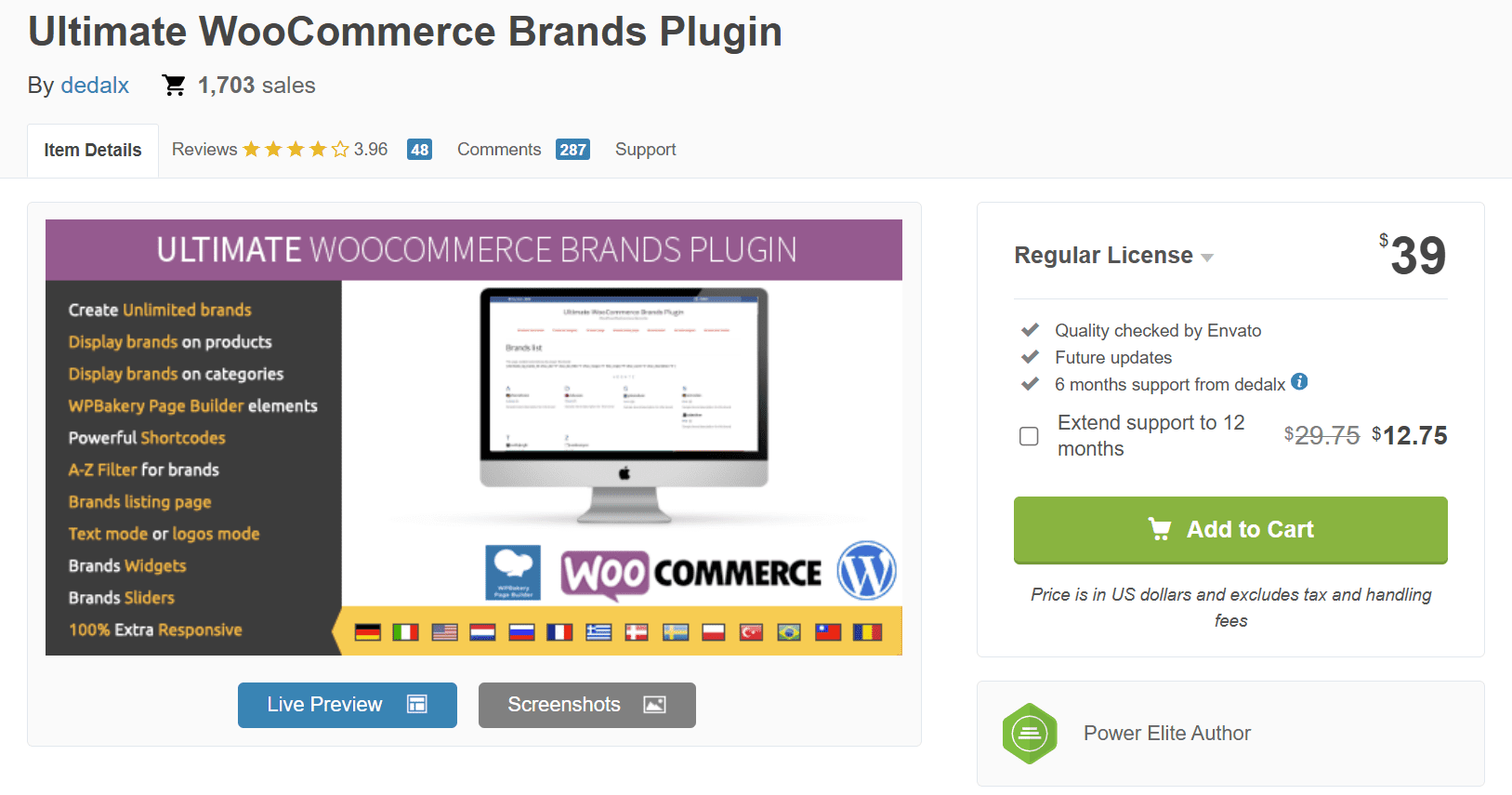
4. Product Brands for WooCommerce
Product Brands is a free and simple plugin for adding brand taxonomies to your WooCommerce store.
- Basic brand taxonomy support
- Easy logo upload and assignment
- Works with default WooCommerce templates
- Lightweight and open-source

5. Premmerce WooCommerce Brands
Premmerce WooCommerce Brands is a free plugin that lets you add and manage brands as a custom taxonomy, giving your store a more structured product catalog.
- Brand taxonomies for organizing products
- Product filtering by brand
- SEO-enhanced brand URLs for better indexing
- WPML compatible for multilingual stores
Use Cases for Bright Brands in Your WooCommerce Store
No matter the size or niche of your online business, the Bright Brands plugin for WooCommerce can help enhance product visibility and build consumer trust. From global fashion labels to niche handmade goods, this plugin empowers customers to shop by the brands they know and love, making navigation easier and purchases more confident. Brand labels on product pages, filtering options, and dedicated brand archives contribute to a richer and more organized shopping experience.
Real-World Use Cases:
Fashion Store: Fashion-conscious shoppers often look for specific brands they already wear and trust. With Bright Brands, they can quickly filter your catalog by brand, making their search efficient and enjoyable. It also may improve discoverability for new arrivals within their preferred labels.
- Display top clothing brands like Nike, Adidas, or Levi’s
- Allow brand filtering to help fashion-conscious customers find their favorites
Electronics Retailer: Consumers often search for brand-specific electronics in a competitive market. Creating branded product archives may improve SEO for brand-related searches and give buyers confidence in product quality and authenticity.
- Showcase brands like Sony, Samsung, or Apple
- Add brand pages to support SEO for brand-specific search terms
Niche Product Shop: For stores focused on artisanal or small-batch goods, branding adds legitimacy. Customers exploring unique products can filter by local or sustainable brands they want to support, which can enhance brand storytelling and loyalty.
- Highlight local or artisan brands to help build customer trust
- Use brand filters to help shoppers explore small-batch products
Beauty & Skincare Store: Skincare buyers often stick to trusted routines. By filtering products by brand, they can quickly find what works for them or discover complementary products from the same line.
- Feature trusted skincare names like The Ordinary or CeraVe
- Create brand-specific landing pages for promotions and bundles
Pet Supply Store: Pet owners are often loyal to specific brands that suit their pet’s health needs. With Bright Brands, customers can confidently reorder important items or try other offerings from their preferred brands.
- List brands like Pedigree, Whiskas, or Kong
- Help pet owners find the right products for their preferred brand diets or accessories.s
Home & Furniture Shop: Shoppers may look for familiar aesthetics or quality in a home goods store. Brand labeling helps them navigate by style or reputation and may improve brand-driven discovery for SEO.
- Tag products from Ashley, IKEA, or local woodcraft brands
- Support product discovery with brand-based search filters and sorting
Additional Tips for Maximizing Brand Integration
To fully unlock Bright Brands for WooCommerce’s potential, consider going beyond the default setup and implementing advanced brand strategies across your storefront. Well-integrated branding can enhance customer loyalty, support brand recall, and make your store feel more curated. Whether managing a fashion boutique, tech shop, organic marketplace, or cosmetics brand, these tips may help you improve performance, support SEO, and create a stronger connection between your customers and the products they love.
Strategic brand integration improves not only the aesthetics of your store but also how customers interact with your content. By optimizing how, where, and when brand information appears, you can help guide shoppers to make faster, more confident purchases. These tips apply across industries from pet supplies and home decor to publishing, automotive, and B2B wholesale platforms.
Tips for maximizing brand integration:
- Create landing pages with brand stories, videos, and featured products to build a deeper connection.
- Use homepage sliders or featured sections to highlight seasonal or trending brands.
- Run flash sales or limited-time discounts on specific brands to increase urgency and conversions.
- Add brand-specific tags to blog posts for better internal linking and SEO value.
- Feature best-selling brands prominently in site-wide promotions and banner ads.
- Send targeted email campaigns based on a shopper’s brand preferences or past purchases.
- Use filters and dropdowns to make it easy for customers to sort by brand in extensive catalogs.
- Integrate brand logos on checkout and cart pages to reinforce buyer confidence before payment.
- To support discovery, showcase new or emerging brands in a “Fresh Finds” or “New Arrivals” section.
- Regularly audit and remove outdated or underperforming brand listings to maintain relevance and performance.
Developer Tips & Advanced Configuration:
Extend brand functionality: Use WooCommerce action hooks such as woocommerce_before_single_product_summary to display brand information above product images, or woocommerce_after_shop_loop_item to show brand badges within product listings.
Headless WooCommerce setups: Expose brand data through the WordPress REST API by registering the brand taxonomy with show_in_rest => true.
Handling large brand catalogs: For stores managing 50+ brands, AJAX-based filters can improve navigation and reduce page reloads. When building custom AJAX endpoints, include nonce verification and sanitize all inputs to maintain security.
Multilingual configurations: In WPML or Polylang environments, register the brand taxonomy as translatable. Create corresponding translations for each language, and confirm that language-specific permalinks are configured correctly if brand URLs fail to resolve.
Making Brand Integration Work for Your Store
Integrating brand visibility into your WooCommerce store isn’t just about design; it’s about trust, clarity, and helping customers make confident purchase decisions. Whether you’re targeting niche buyers or mainstream audiences, showcasing recognizable and trusted product brands can give customers confidence in their choices. Bright Brands for WooCommerce makes it straightforward to organize, display, and promote your product lines in a way that feels natural, clean, and professional across all store types.
The key to successful brand integration is thinking beyond simple taxonomy management. Brand pages should tell stories, not just list products. Consider adding rich content to your brand archive pages: manufacturer backgrounds, brand values, product innovation timelines, or sustainability commitments. This content serves dual purposes: it engages customers emotionally while providing search engines with indexable, keyword-rich content that can rank for branded search queries. Implementing a brand management solution can be worthwhile if you want to enhance your store’s credibility, support SEO with brand-specific pages, and offer a faster, more intuitive shopping experience.