WooCommerceの予約注文から始めましょう
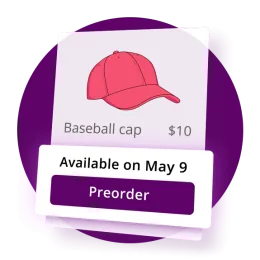
予約注文は、商品が発売される前に販売し、需要を早期に捉え、顧客が安心して予約できる明確な在庫日を伝えることを可能にします。
サイトの利用状況を把握するため、また Google および Meta と連携して広告の効果を測定するために Cookie を使用します。お客様が選択するまで何も設定されません。選択はいつでも Cookie 設定から変更できます。
サイトの利用状況を把握するため、また Google および Meta と連携して広告の効果を測定するために Cookie を使用します。選択はいつでもプライバシーの選択から変更できます。

Bright Plugins のすべての WooCommerce・WordPress プラグインについて、設定ガイド、使い方、トラブルシューティングを掲載しています。開発者自身が執筆・更新しています。すべてのガイドを検索するか、下からプラグインを選んでください。
252 件のガイドを検索します。
利用の多いコレクションから、読者が最もよく開くガイドを紹介します。
予約注文は、商品が発売される前に販売し、需要を早期に捉え、顧客が安心して予約できる明確な在庫日を伝えることを可能にします。
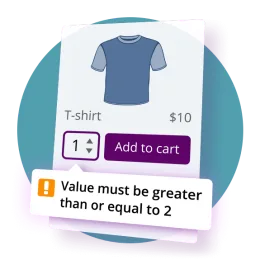
このガイドでは、顧客向けテキスト、アラート、検証メッセージの設定方法について詳しく説明します。WooCommerce Proの予約注文 プラグイン。
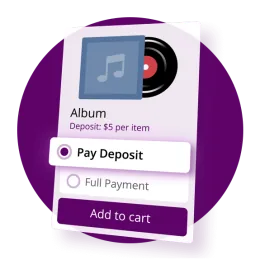
これは無料版でも利用できますか? # いいえ。無料版は各機能を個別にサポートします。組み合わせ デポジット + 予約注文 必要 両方にプロ プラグイン。
プラグインごとにコレクションがあります。件数は公開済みのものから集計しています。



















まずドキュメントを検索してください。設定やトラブルシューティングの多くはそこで解決します。それでも解決しない場合は、サポートページからチケットを作成してください。Pro ライセンスをお持ちの方と Club メンバーは優先対応となり、通常は営業日 24 時間以内に返信します。
Bright Plugins のアカウントにログインし、「ダウンロード」タブからプラグインの ZIP を、「ライセンスキー」タブからキーを取得してください。どちらも購入確認メールにも記載されています。
はい。一般ドキュメントのコレクションと各無料プラグインの WordPress.org ページで、Custom Order Status Manager や Cha Ching Order Notifications を含む無料プラグインのインストールと設定を説明しています。
はい。お問い合わせフォームから、ドキュメントの題材やプラグインの機能をリクエストできます。Club メンバーからのリクエストはロードマップ上で優先されます。