
Product Settings
Display Options
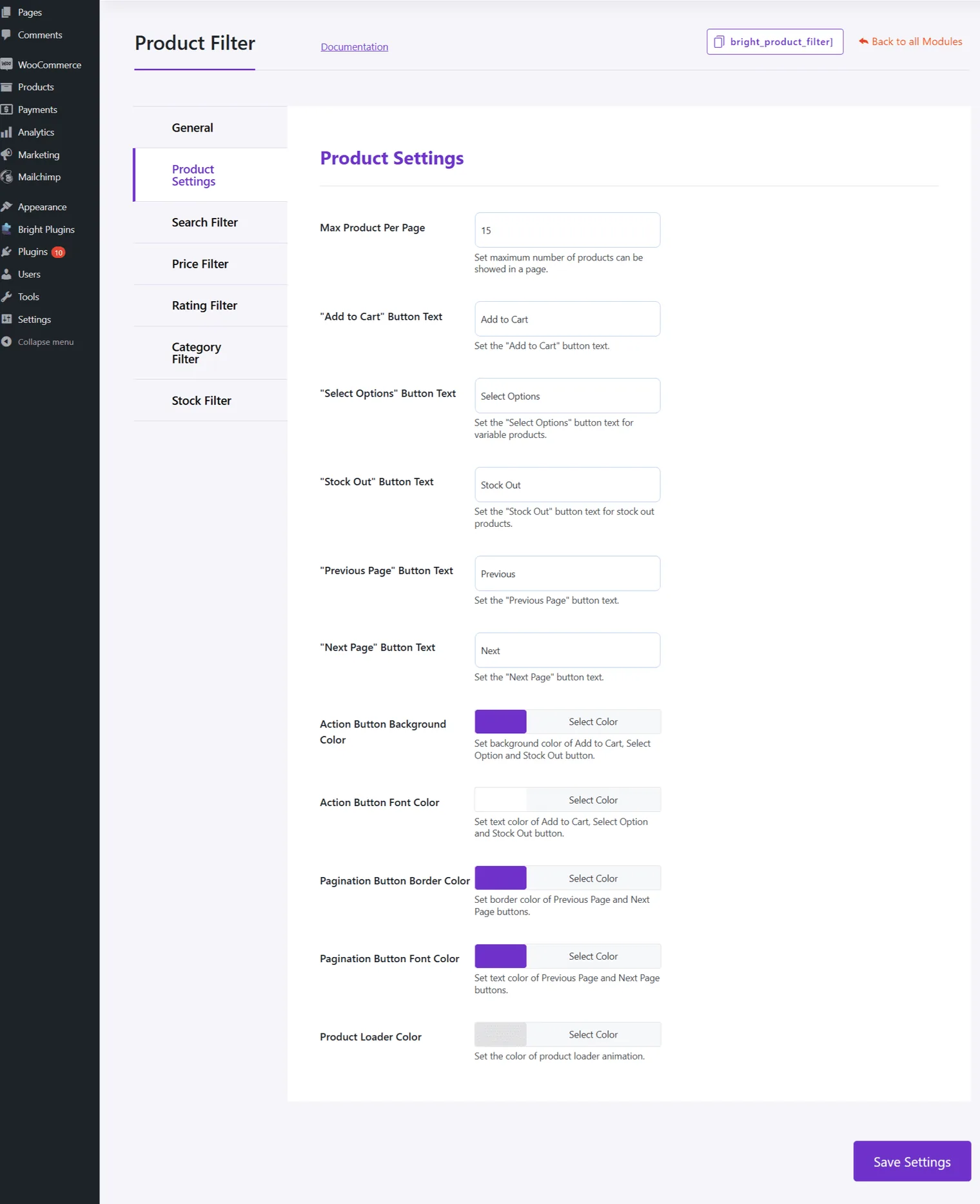
- Max Product Per Page: Set the maximum number of products per page.
- “Add to Cart” Button Text: Set the text for the “Add to Cart” button.
- “Select Options” Button Text: Set the text for variable products.
- “Stock Out” Button Text: Set the text for out-of-stock products.
- “Previous Page” Button Text: Customize the text for the previous page button.
- “Next Page” Button Text: Customize the text for the next page button.
Button Styles
- Action Button Background Color: Set background color for action buttons.
- Action Button Font Color: Set font color for action buttons.
- Pagination Button Border Color: Set border color for pagination buttons.
- Pagination Button Font Color: Set font color for pagination buttons.
- Product Loader Color: Set the color of the product loader animation.
Updated on April 17, 2026 · Need help? Open a support ticket