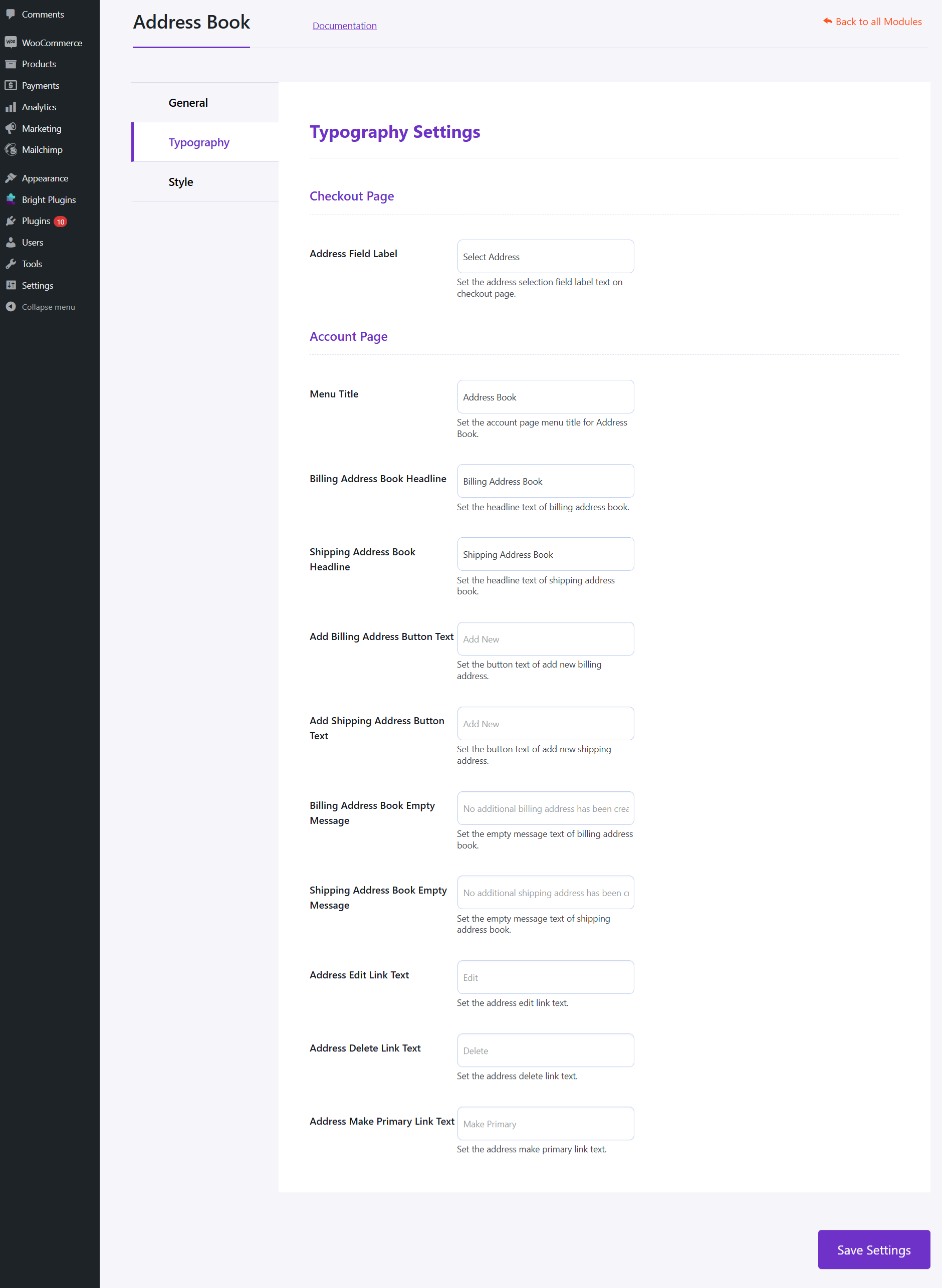
Typography Settings #
Checkout Page #
- Address Field Label: Set the label text for address selection on the checkout page.
Account Page #
- Menu Title: Set the menu title for the Address Book.
- Billing Address Book Headline: Set the headline text for billing address book.
- Shipping Address Book Headline: Set the headline text for shipping address book.
- Add Billing Address Button Text: Set the button text for adding new billing addresses.
- Add Shipping Address Button Text: Set the button text for adding new shipping addresses.
- Billing Address Book Empty Message: Set the empty message text for billing addresses.
- Shipping Address Book Empty Message: Set the empty message text for shipping addresses.
- Address Edit Link Text: Set the address edit link text.
- Address Delete Link Text: Set the address delete link text.
- Address Make Primary Link Text: Set the make primary address link text.