

Quick Event Manager を使用して WooCommerce でイベントを簡単に管理する方法
WooCommerceストアでのイベントの管理は、適切なアプローチをとれば簡単です。チケットの販売、ウェビナーの開催、地元のワークショップの開催など、適切なイベント管理ツールを用意することで業務を合理化できます。 クイックイベントマネージャー は、この課題に対する 1 つのアプローチ、広範な技術的要件なしでイベントを作成、表示、管理できる軽量の WordPress プラグインを提供します。一部の複雑なイベント プラットフォームとは異なり、高価なアドオンやカスタム開発を必要とせずに、イベントを一覧表示し、参加者を登録する方法を提供します。
With Quick Event Manager, you can handle event registrations, sell tickets, and process payments through your existing WooCommerce checkout system. This approach may work well for business owners who want to offer events alongside their products or services. In this guide, you’ll learn how to set up this plugin, integrate it with WooCommerce, and use it to help manage your event processes.
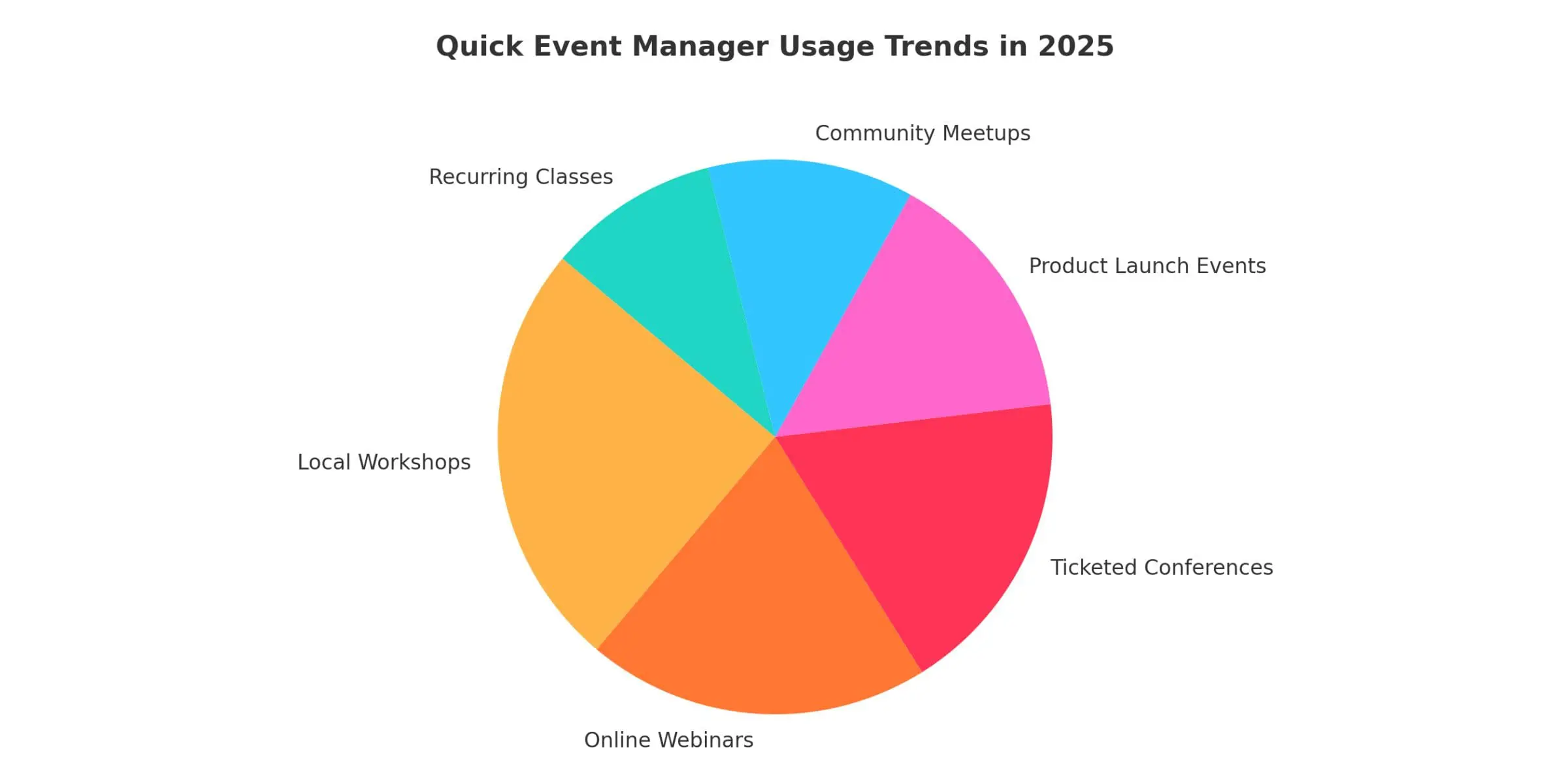
The pie chart shows how businesses typically use Quick Event Manager in 2025, reflecting a potential shift toward combining product sales, services, and event management in WooCommerce. Local workshops and online webinars appear to be among the more commonly utilized features, which may suggest growing interest in in-person and virtual experiences. Ticketed conferences and product launch events show notable usage patterns, indicating that some businesses are exploring ways to blend marketing approaches with customer engagement strategies. Community meetups and recurring classes represent smaller segments, demonstrating the plugin’s flexibility for hosting regular events that can potentially help build customer relationships and encourage return visits.
WooCommerceストアにイベントを追加する理由
WooCommerceストアにイベントを追加すると、顧客を引き付け、ビジネスを成長させるための新たな方法を生み出すことができます。これにより、単なる製品以上のものを提供できるようになります。チケットの販売、ウェビナーの開催、ワークショップの開催、ローカルミートアップの管理などを行うことができます。このアプローチにより、視聴者とのつながりを構築しながら、新たな収益源を生み出すことができます。製品とイベントに同じプラットフォームを使用すると、複数のツールを管理せずに運用を合理化できる場合があります。
イベントは、顧客ロイヤルティを向上させ、ブランド認知度を高める可能性もあります。コミュニティ イベントや限定体験を主催すると、サイトへのリピート訪問が促進され、顧客との関係が強化される可能性があります。WooCommerce を通じてイベントを管理すると、通常、すべてのトランザクションが 1 つのダッシュボードに保持されるため、会計と顧客サービスがより管理しやすくなります。
潜在的な利点は次のとおりです。
- イベントチケット、クラス、サービスでサービス提供を拡大する
- ウェビナーやワークショップを通じて顧客エンゲージメントの機会を創出する
- 製品注文と並行してイベント登録を追跡することで管理を簡素化
- 製品デモや顧客感謝の集まりなどの特別なイベントの宣伝
- 顧客に定期的にリピートする理由を提供する
クイックイベントマネージャーとは何ですか?
クイックイベントマネージャー は、最小限の複雑さでイベントを作成および管理できるように設計されたWordPressプラグインです。高価なアドオンや技術的な知識を必要とすることが多い大規模なイベント管理プラットフォームとは異なり、このプラグインは使いやすさに重点を置いています。イベントリストの作成、参加者情報の管理、イベント登録の処理をWordPressダッシュボードから直接行うことができます。その単純なアプローチは、急な学習曲線を必要とせずに効率的なツールを必要とする中小企業の経営者にとって魅力的かもしれません。
The plugin is designed to be lightweight, which typically means it won’t impact your website’s loading speed or interfere with other WooCommerce operations. You can create event calendars, add detailed event descriptions, and customize registration forms to meet your needs. Whether managing a single event or multiple recurring workshops, Quick Event Manager can control the process while maintaining simplicity.
WooCommerceストアオーナーに利益をもたらす可能性のある機能:
- 簡単に閲覧できるクリーンなイベントカレンダーまたはリストインターフェイス
- WooCommerceと連携できるオプションのイベント登録とチケット販売
- 時間、日付、会場、主催者情報など、カスタマイズ可能なイベントの詳細
- イベントカテゴリとタグのサポートにより、整理に役立ちます
- 技術者以外のユーザー向けに設計されたインターフェイス
- 通常、Web サイトのパフォーマンスを維持する軽量なコード
WooCommerceでクイックイベントマネージャーを設定する方法
Setting up Quick Event Manager with WooCommerce doesn’t require advanced technical skills. You can add events to your website, connect them to WooCommerce products for ticket sales, and manage registrations or attendee information from one dashboard. This setup lets you handle event promotion and payments through your existing WooCommerce system, potentially streamlining the process from event creation to checkout.
ステップ 1: クイック イベント マネージャーのインストール
まず、WordPressプラグインリポジトリからQuick Event Managerプラグインをインストールします。この方法は通常、イベント管理ツールを Web サイトに追加する最も簡単な方法を提供します。インストールすると、Quick Event Manager は WordPress ダッシュボードと自動的に統合され、イベントの追加を開始できるようになります。
インストール手順:
- WordPress管理ダッシュボードにログインします。
- 左側のメニューで [プラグイン] > [新規追加] に移動します。
- Use the search bar to find “Quick Event Manager”
- プラグインを見つけたら、[今すぐインストール] をクリックします
- インストール後、[アクティブ化] をクリックしてプラグインを有効にします
- ダッシュボードメニューの新しいイベントセクションを探して、イベントの作成を開始します
ステップ 2: 最初のイベントを作成する
After activating the plugin, click Events > Add New in your WordPress dashboard to create your first Event. This section lets you enter event details, including the title, description, and images. You can set the Event’s date, time, and location, helping visitors understand your offering. Organizing events by categories can also help customers filter and find events that interest them.
追加のセットアップ オプションには、次のものが含まれます。
- 注目を集めるためにアイキャッチ画像やバナーをアップロードする
- 特別なイベントの指示やメモ用のカスタムフィールドの追加
- 定期的なミートアップで必要に応じて定期的なイベント設定を有効にする
- タグを使用してウェブサイトでのイベントの検索性を向上させる
- 出席能力を効果的に管理するための出欠確認制限の設定
ステップ 3: 登録と WooCommerce 統合を接続する
You’ll need to link each Event to a WooCommerce product to collect registrations or sell event tickets. This allows customers to purchase event access using the WooCommerce checkout process, which can provide a familiar and secure experience. By treating event tickets as products, you can track sales, manage stock levels, and handle refunds using the same methods you use for regular products in your store. This approach typically keeps everything organized in one system, from orders to customer information.
イベントをWooCommerceにリンクする手順:
- WooCommerceで新しい製品を作成し、イベントチケット、参加費、または登録として明確にラベル付けします
- チケットまたは登録費用となる商品価格を設定します。標準アクセスやVIPアクセスなど、チケットタイプの商品バリエーションを追加できます。
- 在庫管理設定を調整して利用可能なチケットを制限し、オーバーブッキングを防ぎます。
- 商品リンクをコピーするか、商品編集ページからWooCommerceショートコードを使用します。
- クイックイベントマネージャーのイベントの説明または登録ボタンにリンクまたはショートコードを追加し、ユーザーをチケット購入ページに誘導します。
- イベントを公開し、プロセスをテストして、登録またはチケット購入が WooCommerce チェックアウトを通じて適切に流れることを確認します。
ステップ 4: イベント表示のカスタマイズ
Quick Event Manager offers several display options, allowing you to present events that fit your website’s design and customer preferences. Whether you prefer a simple event list or a calendar view, the plugin provides flexibility in how events appear on your site. These options can help improve user experience by allowing visitors to browse events based on their preferences. You can showcase multiple events on one page or highlight individual events with detailed information.
主な表示オプションは次のとおりです。
- カレンダービュー: 今後のイベントを月次または週次カレンダー形式で表示し、訪問者がイベントの日付をすばやく確認し、特定の日をクリックして詳細を確認できます
- 今後のイベントのリスト: タイトル、日付、場所などの基本情報を含むイベントの時系列リストを表示し、簡単なスクロール リストを好むユーザーに役立ちます
- 単一イベントページ: 完全な説明、画像、スケジュール、地図、登録リンクを含む各イベント専用ページを作成し、関心のある参加者に包括的な詳細を提供します
- 配置のショートコード: Quick Event Manager ショートコードを使用して、イベントカレンダーまたはリストを特定のページ、ブログ投稿、またはウィジェット領域に配置します。
- レイアウトとスタイルのカスタマイズ: Adjust event display styles using your theme’s customization tools or CSS to match your branding and website design
- 注目のイベントのハイライト: 特別なイベントをリストに目立つようにリストしたり、特定のページに追加して可視性を高めたりして、特別なイベントを宣伝します。
WooCommerceでQuick Event Managerを使用する利点
使用 WooCommerce を使用したクイック イベント マネージャー can allow you to handle product sales and event management from one dashboard, potentially saving time and reducing operational complexity. This integration lets you create events, manage ticket sales, and track customer data without switching platforms. Since it uses WooCommerce’s checkout process, you can accept payments securely while providing customers with a familiar shopping experience. It may be a practical solution for small business owners looking for a lightweight system that won’t overwhelm their workflow.
その他の潜在的な利点:
- WooCommerceの注文追跡を使用して、イベントチケットの販売をリアルタイムで監視します
- Offer multiple payment options through WooCommerce’s gateways, including credit cards, PayPal, and Stripe
- チケット販売の税計算と請求書を自動的に設定する
- WooCommerce クーポンを活用してプロモーションを実施したり、早期割引を提供したりします
- WooCommerceの顧客データベースを通じて出席者リストを管理する
- 同じ店舗でイベントマーケティングと商品プロモーションを組み合わせる
- 商品販売とイベント販売の両方を1つのシステムで行うことで、顧客サービスを簡素化します
- WooCommerce 分析を使用して、イベントの販売パフォーマンスとコンバージョン率を測定します
WooCommerce イベント管理のベスト プラクティス
To help maximize the success of your events, consider following these practices that can enhance both the customer experience and your store’s performance. Focus on creating clear, informative event pages that are easy to navigate. Ensure all event details, such as dates, times, locations, and pricing, are simple to find and understand. Keep your website optimized using only necessary features, and regularly test your event registration process to ensure it works properly across all devices. Monitoring your WooCommerce reports can help you identify trends and optimize future events.
考慮すべきその他のプラクティス:
- 高品質の画像やバナーを使用して、イベントのリストをより魅力的なものにする
- 参加者のよくある質問に対処するための詳細なFAQを提供する
- 混乱を避けるために明確な返金およびキャンセルポリシーを設定します
- デスクトップとモバイルデバイスの両方でチェックアウトプロセスをテストする
- イベントの日付が近づいたら、参加者にリマインダーメールを送信する
- イベント後の顧客からのフィードバックを使用して、将来のエクスペリエンスの向上に役立てる
- 登録フォームをシンプルにして、放棄率を減らす
- イベントのプロモーションが Web サイト全体のトラフィックと売上にどのような影響を与えるかを追跡します
考慮すべき追加機能
クイック・イベント・マネージャーは、基本的なイベント管理のニーズをカバーしますが、補完的な機能を追加することで、イベント操作を強化できます。これらのツールは、マーケティング、参加者のコミュニケーション、イベント全体の成功の向上に役立ちます。SEO の最適化から自動フォローアップまで、追加のプラグインを統合すると、管理タスクを簡素化しながら、よりプロフェッショナルで魅力的なイベント エクスペリエンスを作成できる可能性があります。
価値のある機能:
- Yoast や Rank Math などの SEO プラグインを使用して、イベント ページを最適化し、検索の可視性を向上させます
- MailPoet や Mailchimp などのツールを使用して、自動メール リマインダーとフォローアップを追加します
- ダウンロード可能な PDF チケットまたは QR コードを提供して、物理的なイベントでのチェックインを容易にします
- Google カレンダーまたは iCal エクスポートボタンを統合して、出席者が予定をカレンダーに保存できるようにします
- CRM ツールを使用して参加者のやり取りを追跡し、長期的な顧客関係の構築に役立てる
- アンケートプラグインをインストールして、イベント後に参加者のフィードバックを収集します
- Google Analytics または Facebook Pixel を接続して、イベント マーケティングのパフォーマンスを追跡します
- 完売したイベントの順番待ちリストを有効にして、追加のリードを獲得する
- WooCommerceで一括価格オプションでグループチケット購入を提供する
- ライブチャットサポートを使用して、登録またはチケット購入プロセス中に顧客をサポートします
WooCommerce の代替イベント管理プラグイン
Quick Event Manager 以外のオプションを検討したい場合は、WooCommerce と WordPress 用のイベント管理プラグインがいくつか存在します。これらのツールは、チケット発行、出欠確認管理、カレンダー、出席者追跡などの機能を提供します。イベント駆動型ビジネスで検討すべき人気のあるプラグインをいくつか紹介します。
Bright Pluginsによるクイックイベントマネージャー
Quick Event Manager は、複雑さを増すことなくイベントを管理したい WooCommerce ストア オーナー向けに設計されています。イベント リストの作成、参加者の登録、チケット販売の WooCommerce チェックアウトへの直接統合ができるため、1 つのシステムで製品やイベントを管理できます。
主な機能:
- シンプルなイベントの作成と管理
- チケット販売のためのWooCommerce統合
- カスタマイズ可能なイベントの詳細(日付、時刻、会場)
- 組織のイベント カテゴリとタグ
- カレンダーまたはイベントリスト表示のショートコード
- パフォーマンスのための軽量設計
イベントカレンダー
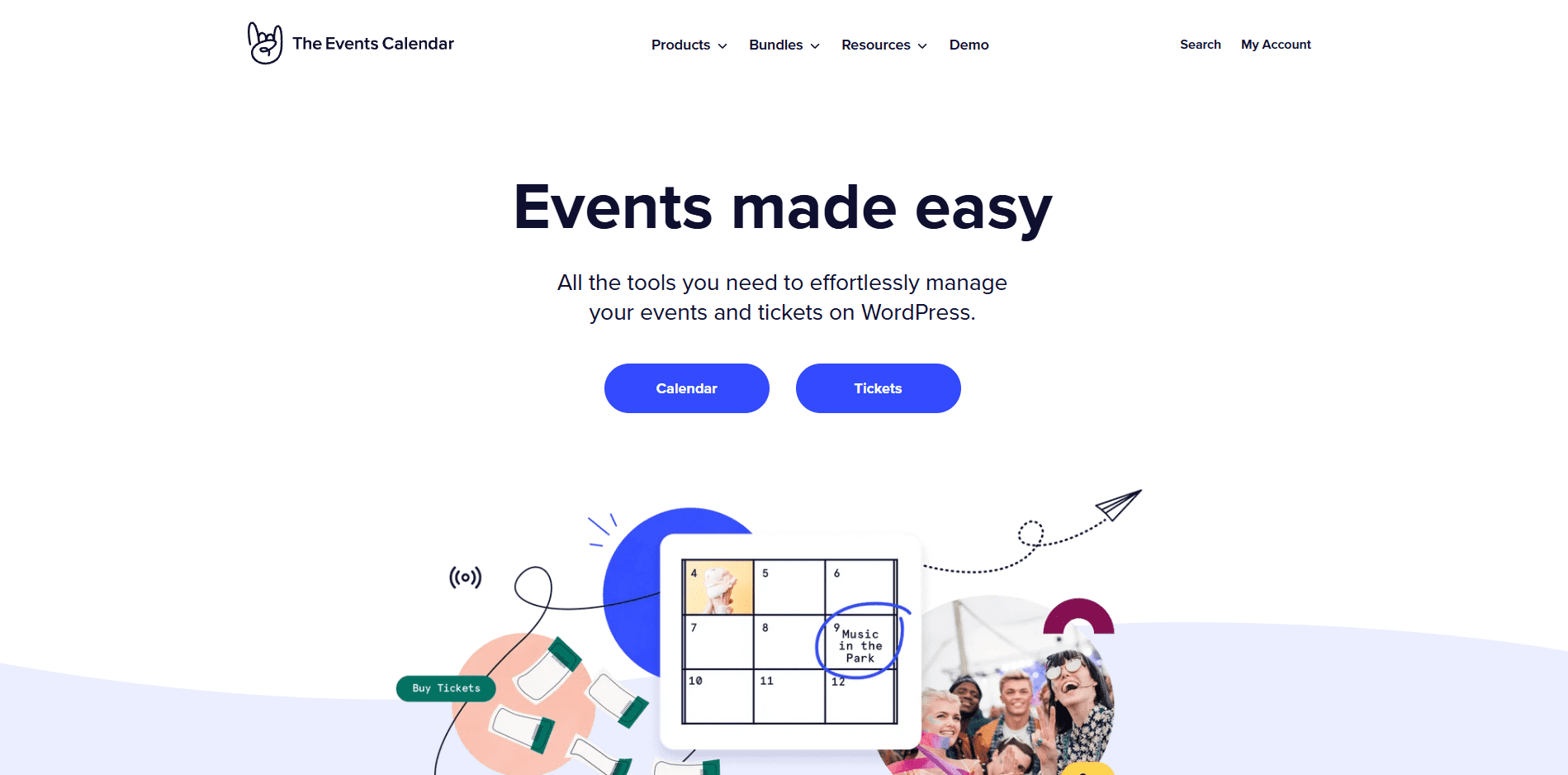
The Events Calendar is among WordPress’s popular event management plugins. It provides a system for managing recurring events, venues, organizers, and more, suitable for small businesses and larger organizations needing detailed event management.
主な機能:
- 定期イベントと複数日にわたるイベントのサポート
- 会場・主催者管理
- Google マップの統合
- 複数のカレンダー表示オプション
- SEO に最適化されたイベントページ
- カスタマイズ可能なウィジェットとショートコード
ティケラ
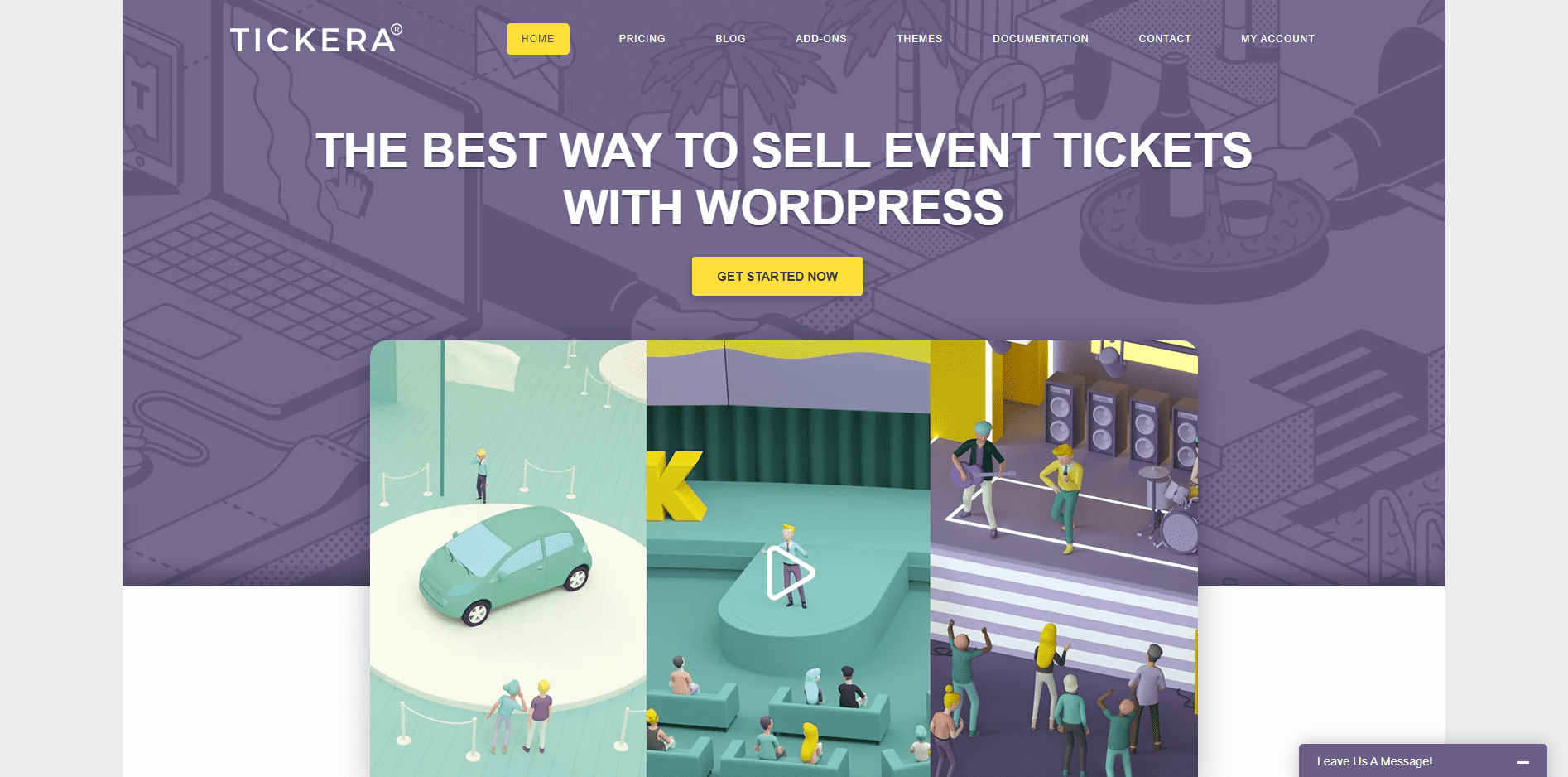
Tickera は、イベント チケットの販売と参加者管理を専門としています。QR コードを使用して PDF チケットを生成できるため、チケットのスキャンが必要な対面イベントに役立ちます。
主な機能:
- ウェブサイトから直接チケットを販売する
- バーコードまたはQRコードを使用してPDFチケットを生成する
- チケットスキャン用のモバイルチェックインアプリ
- WooCommerce Bridgeアドオンが利用可能
- 複数のチケットタイプをサポート
- カスタムチケットテンプレート
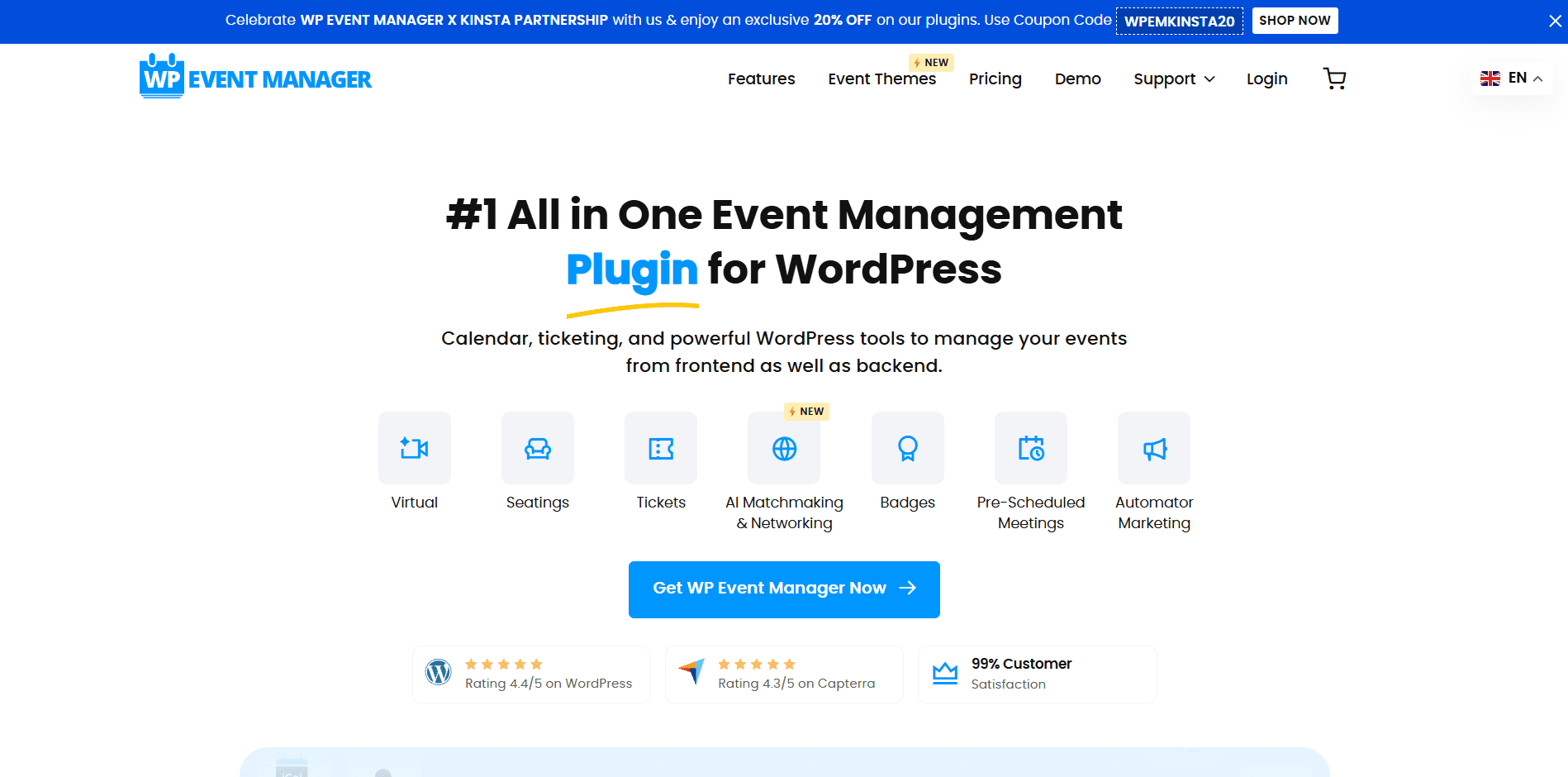
WPイベントマネージャー
WP Event Manager は、柔軟性を必要とする店舗に適した、軽量でスケーラブルなイベント管理プラグインです。基本的なイベントリストが無料で含まれており、チケット販売、SEO、参加者管理などの高度な機能のためのプレミアム アドオンも含まれています。
主な機能:
- シンプルなイベントリスト管理
- フロントエンド イベント送信フォーム
- カレンダービューとリストビューが利用可能
- WooCommerceチケット販売のアドオン
- イベントのSEO最適化
- 多言語サポート
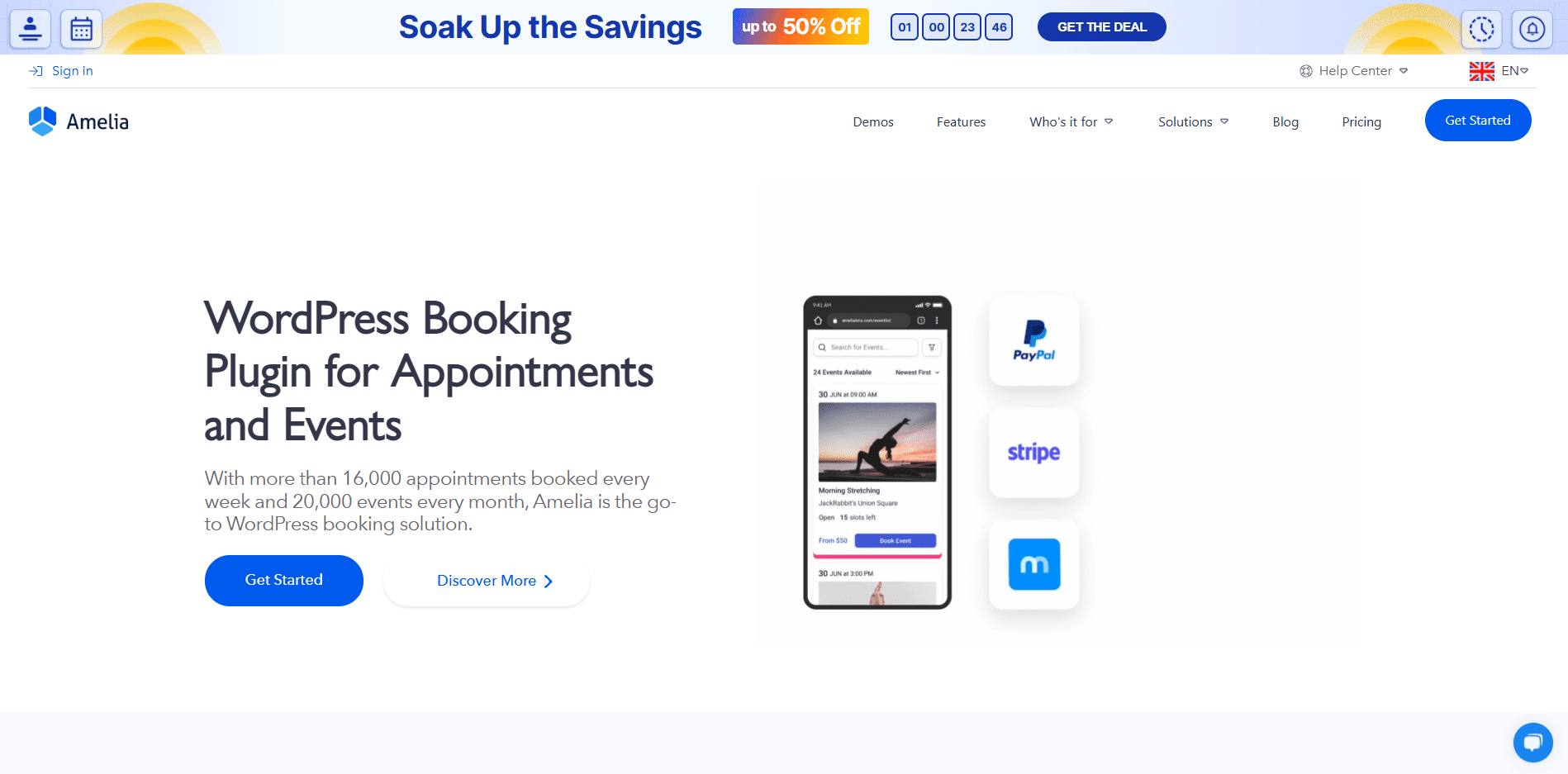
アメリア
Amelia is an appointment and Event booking plugin with a modern interface. It’s designed for businesses that handle one-on-one bookings and event registrations, potentially working well for webinars, workshops, or conferences.
主な機能:
- 自動予約システム
- イベントと予定のスケジュール設定
- WooCommerce決済統合
- SMSとメール通知
- カレンダーの同期(Google、Outlook)
- カスタマイズ可能な予約フォーム
WooCommerce イベント管理を簡素化する
Managing events in your WooCommerce store doesn’t have to be overwhelming or expensive. With tools like Quick Event Manager, you can create and display events, register attendees, and handle ticket sales within the system you use to manage products. This straightforward, user-friendly approach may help business owners expand their services without requiring complex plugins or additional software.
Whether you’re planning online webinars, selling tickets for local workshops, or running exclusive product launches, the right event management approach can help make the process more manageable. When choosing an event management solution, consider your needs, technical comfort level, and budget. Successful event management often involves testing different approaches and continuously improving based on customer feedback and operational experience.
イベント管理システムを導入する場合は、登録とチェックアウトのプロセスを徹底的にテストし、モバイル互換性を確保し、参加者と明確にコミュニケーションを取ります。これらの基本的な要素は、ビジネス目標と顧客のニーズの両方に応えるイベントの成功に貢献します。


