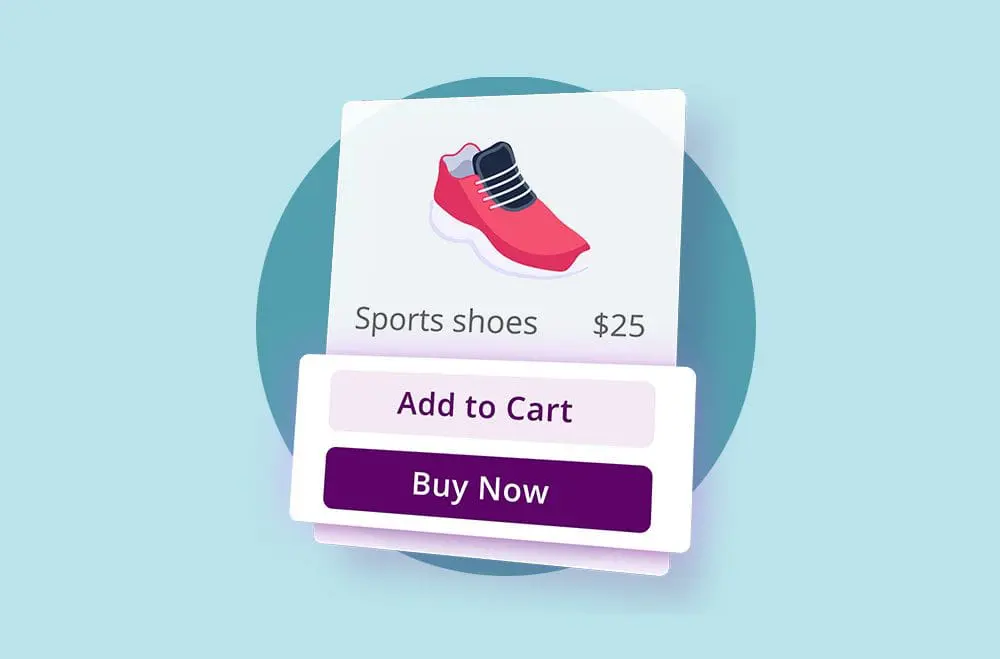
Speed and simplicity are essential in e-commerce, particularly during the checkout process. A lengthy or complicated checkout can frustrate customers and lead to abandoned carts. One-page checkout in WooCommerce simplifies the process by combining all necessary fields, such as billing, shipping, and payment, into a single, easy-to-navigate page. This streamlined experience makes it faster for続きを読む “Top 5 Benefits of Using One Page Checkout for WooCommerce Stores”
カテゴリアーカイブ: ウコマース
ユーザー入力なしでWooCommerceでクーポンを自動的に適用する方法

Offering automatic discounts in your WooCommerce store can significantly enhance the shopping experience and increase conversions. Customers love deals but abandon their carts when they can’t find a valid coupon code. Applying discounts automatically eliminates this barrier, making the process smoother and more satisfying. Shoppers don’t have to guess, search, or enter anything; savings appear続きを読む “How to Automatically Apply Coupons in WooCommerce Without User Input”
WooCommerceで最小または最大数量を設定する
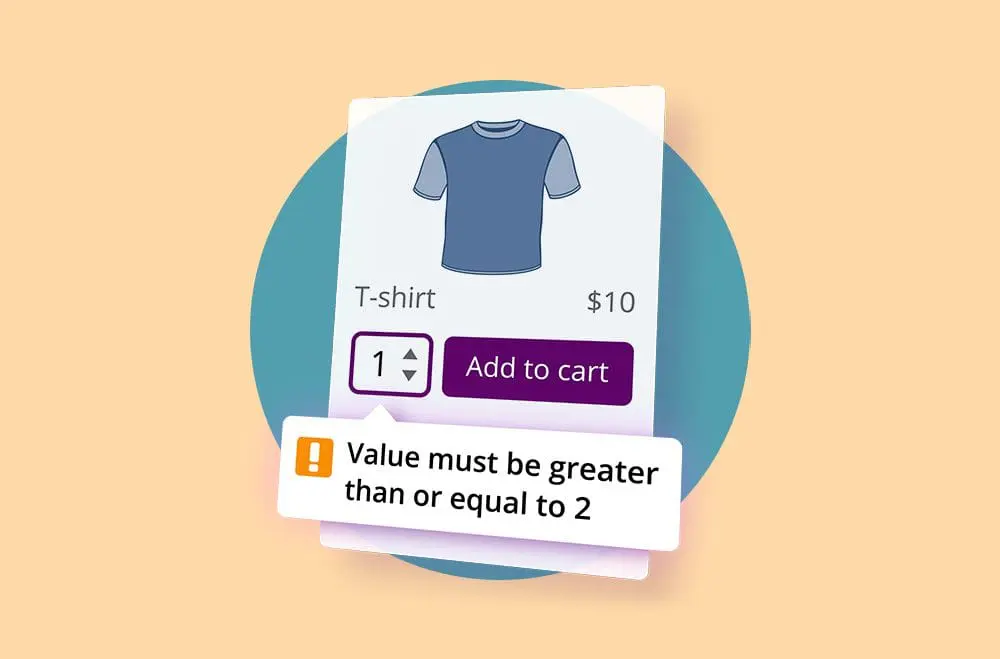
商品在庫を効果的に管理しつつ、顧客に大量購入を促すことは、WooCommerceの店舗オーナーにとって継続的な課題となり得ます。供給と需要のバランスを取ることは、収益性を維持しスムーズなショッピング体験を維持するために非常に重要です。このバランスを達成するための非常に効果的な戦略の一つは、製品の最小および最大数量の制限を設定することです。 続きを読む “Set Minimum or Maximum Quantities in WooCommerce”
トップWooCommerce PDF請求書プラグインの比較
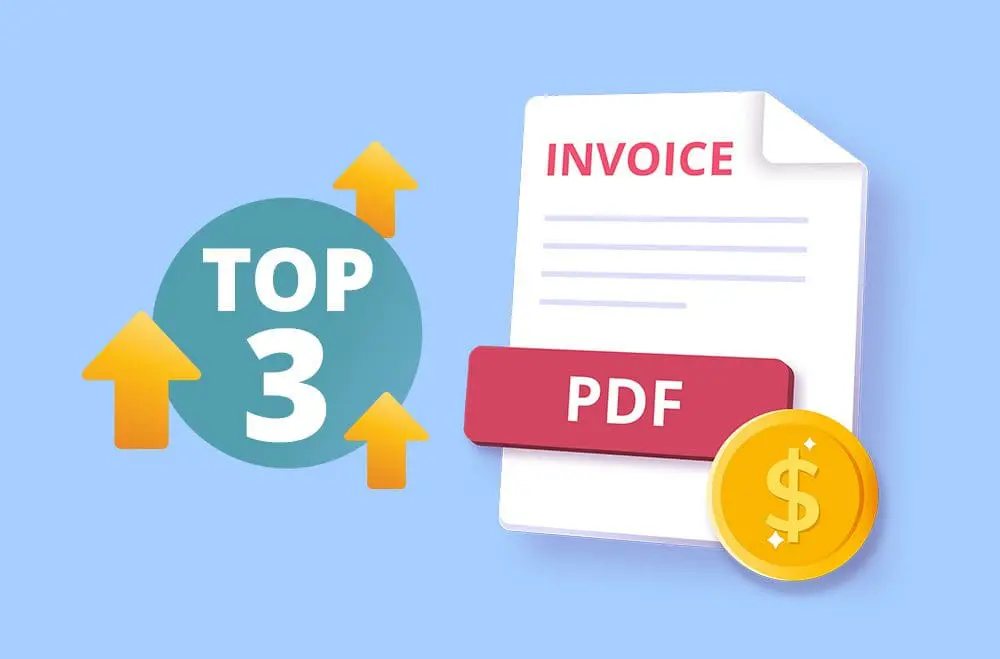
When managing a WooCommerce store, one of the most essential yet often overlooked aspects is generating and organizing customer invoices. As your business grows, manually handling invoices can quickly become time-consuming, error-prone, and inefficient. Whether you’re selling physical goods or digital products, every transaction must be documented appropriately, not just for your records but also続きを読む “Top WooCommerce PDF Invoice Plugins Compared”
WooCommerceでスティッキーカートバーを追加する方法

In today’s competitive e-commerce landscape, a seamless user experience is key to increasing sales. One of the simplest and most effective enhancements you can add to your WooCommerce store is a product sticky bar. Unlike traditional add-to-cart buttons that disappear as shoppers scroll, a sticky product bar keeps essential purchase information and calls to action続きを読む “How to Add a Sticky Cart Bar in WooCommerce”
最高のWooCommerce予約注文プラグイン無料および有料

Selecting the right plugin when incorporating pre-order functionality into your WooCommerce store is pivotal. The landscape of pre-order plugins is diverse, offering a range of features across free and premium versions to accommodate different business needs. Let’s delve into a revised list of top pre-order plugins for WooCommerce, highlighting those that offer both free and続きを読む “Best WooCommerce Pre-order Plugins Free and Paid”
WooCommerceストアでサブスクリプションを設定する方法
今日のビジネスの浮き沈みを乗り越えるために、定期的な収益源を持つことはこれまで以上に重要です。そのための良い方法は、WooCommerceストアでサブスクリプションを設定することです。サブスクリプションは顧客が定期的に製品やサービスを受け取るために登録できる仕組みで、あなたも受け取ることができます 続きを読む 「WooCommerceストアのサブスクリプション設定方法」
WooCommerceストアのための5つのSEOのヒント
A user-friendly and responsive WooCommerce store makes your products easily accessible. However, a well-designed and properly-themed WooCommerce store does not translate to sales and traffic. You have to advertise your website immensely through the proper channels to attract high-quality and long-lasting traffic. All in all, you’re required to make your store SEO-friendly and mobile-friendly to続きを読む “5 SEO Tips for WooCommerce Stores”
TikTok for WooCommerceプラグインの紹介

Here you have an Introduction to the TikTok for WooCommerce Plugin, a perfect alliance for business owners! Learn with Bright Plugins! If you are looking for a way to increase sales on your WooCommerce store, you may want to consider using the TikTok for WooCommerce plugin. This plugin provides several features that can help you続きを読む “Introduction to the TikTok for WooCommerce Plugin”